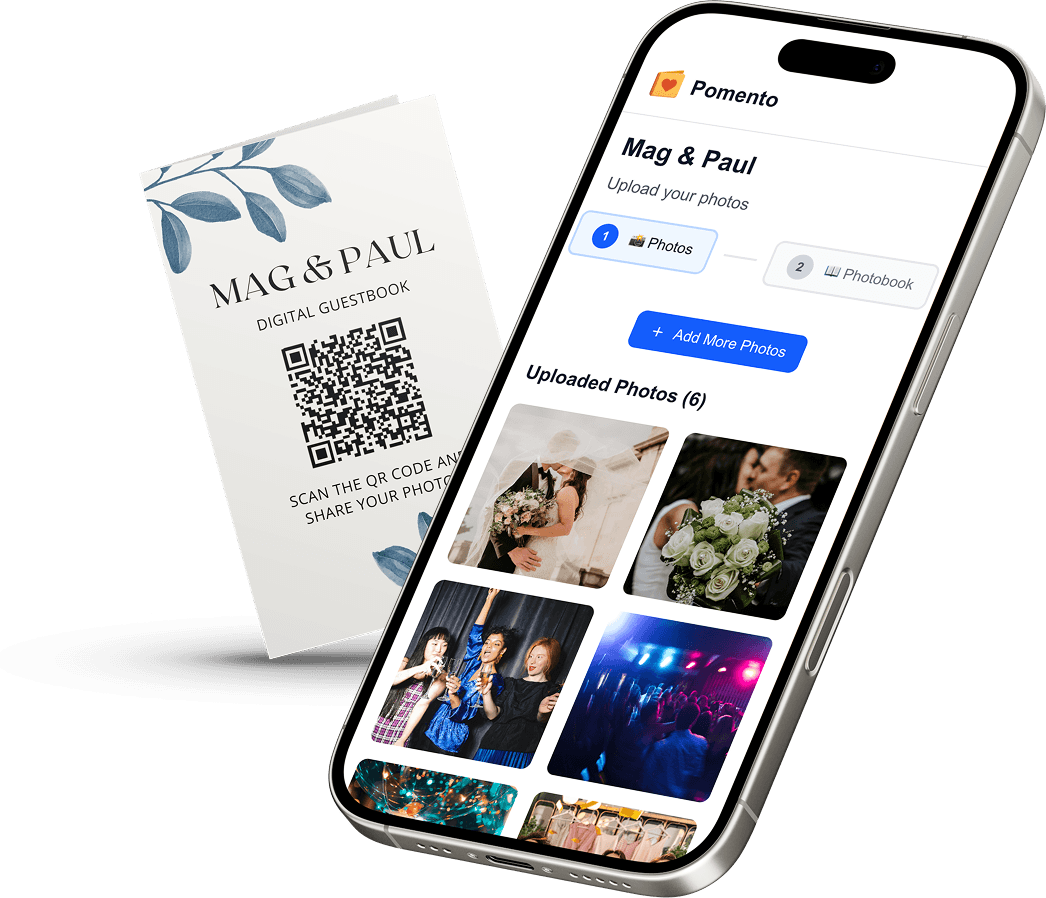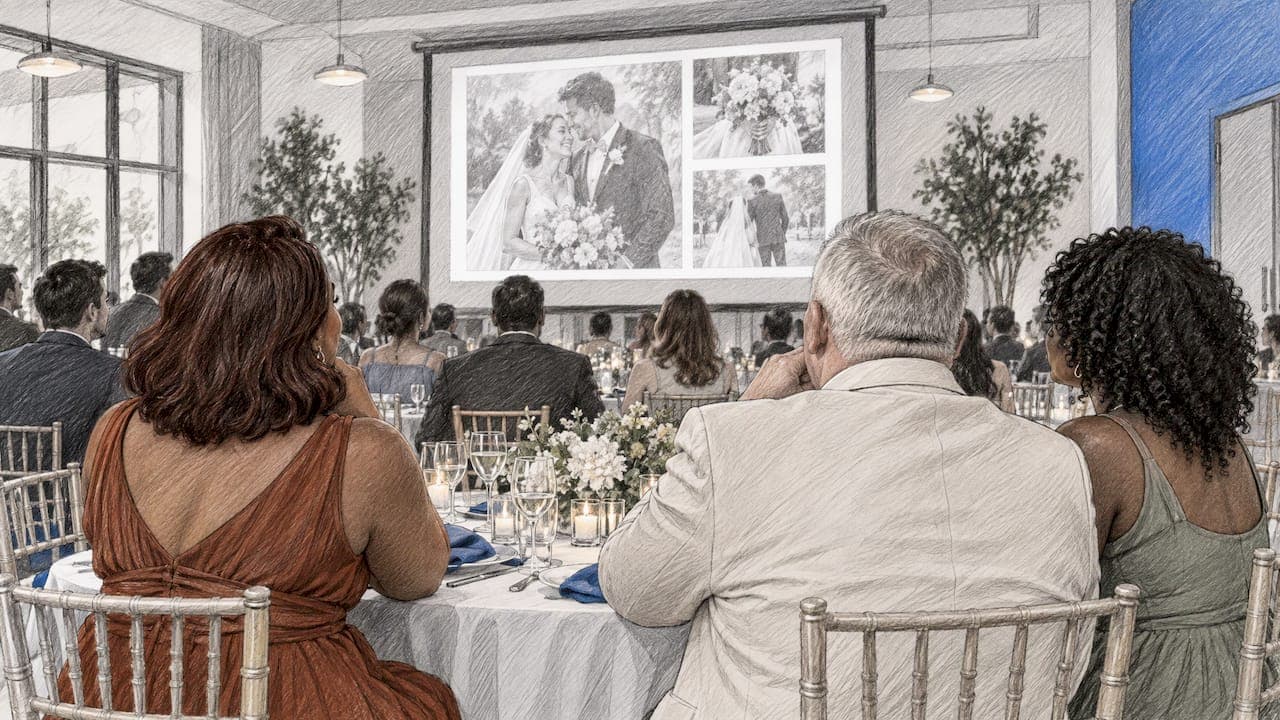
The best wedding slideshows are not made by the couple alone. They mix childhood photos, couple photos and pictures sent by the people in the room, follow a simple story, and stay short enough that guests are still smiling at the end. We built Pomento for exactly that: an all-in-one collaborative memory platform and digital guestbook for weddings, birthdays, baptisms, memorials, farewells and company events. Its idea is to collect everyone’s memories in one place instead of scattered across phones and group chats, and turn them into a gift you can see, hear and hold. For a wedding, that includes a live Event Slideshow for the screens at the reception.
Below are the ideas, the numbers (how long, how many photos), and a practical way to gather material from guests without chasing anyone.
Key Takeaways
- Keep the main slideshow to about 30 photos or under five minutes. Save longer loops for cocktail hour, when it plays quietly in the background.
- Give it a story: a past-present-future theme or a simple five-stage arc works for almost every couple.
- Photos of friends and family, not only the couple, are what make a slideshow feel shared and memorable.
- Guests can contribute photos, videos, written messages and voice messages from any phone or computer with one QR code or link, with no app and no sign-up.
- Pomento turns those contributions into a live Event Slideshow, a digital and printed photo book and a personalized song with a music video.
Table of Contents
- Key Takeaways
- Do People Still Do Slideshows at Weddings?
- How Long Should a Wedding Slideshow Be?
- Who Should Be in a Wedding Slideshow?
- 15 Wedding Slideshow Ideas
- How to Choose Which Photos Stay
- How to Collect Guest Photos Without Chasing Anyone
- Running the Slideshow on the Day
- From Slideshow to Keepsake
- Making It Happen With Pomento
- FAQ
- Sources
- Recommended
Do People Still Do Slideshows at Weddings?
Yes, and the format has changed more than it has faded. The old version was a couple-only montage played once after dinner. The version couples choose now is shorter, includes guests’ own pictures and often runs in the background during cocktail hour or dinner so nobody has to sit and watch.
That shift is why guest contributions matter. A slideshow built only from the couple’s phones tells guests what they already know. One built partly from their photos and messages gives them a reason to look up at the screen and find themselves.
How Long Should a Wedding Slideshow Be?
The Knot says an organized wedding slideshow averages around 30 photos or under five minutes so guests do not lose interest, while a longer background slideshow during cocktail hour is fine. That gives you two formats:
| Format | Length | Photos | When to play it |
|---|---|---|---|
| Featured story slideshow | Under 5 minutes | About 25 to 30 | A set moment, such as before toasts or after dinner |
| Background loop | 20 to 60 minutes | As many as you collect | Cocktail hour, dinner, dancing breaks |
Photo count depends on pacing. WeddingWire suggests about 60 photos for a five-minute presentation as a rule of thumb, with repeats acceptable if you have few to choose from. The Knot’s expert Barrett recommends at least 25. Those two figures differ because they assume different speeds: roughly ten seconds per photo versus five. Slower suits sentimental songs and photos with detail. Faster suits upbeat music and close-up faces.
If the slideshow has to play at a scheduled moment, tell guests. Photographer Jerry Ghionis, interviewed by Rangefinder, tells couples a same-day reception slideshow runs no longer than 10 minutes and that guests get 30 minutes’ notice when it is ready. Whatever your plan, ask your DJ or coordinator to announce it so people are seated and watching.
Who Should Be in a Wedding Slideshow?
The couple, obviously, but not only. Wedding-planning experts Barrett and Morris, quoted by The Knot, agree that adding photos of memories with close friends and family makes a slideshow more collaborative and memorable. A good mix:
- Each of you as a child. Baby photos and school pictures get the biggest reaction.
- Each of you before you met. Travel, hobbies, first jobs, old haircuts.
- The two of you. Early dates, trips, the proposal, ordinary Sundays.
- Parents and grandparents. Their own wedding photos beside yours are a classic that works every time.
- Friends and the wedding party. Group trips, college photos, inside-joke moments.
- Guests as they are today. Photos and videos from the people in the room.
The last group is the one most couples skip because it is the hardest to organize. We come back to it below.
15 Wedding Slideshow Ideas
Story-based ideas
1. Past, present, future. The Knot’s experts describe this theme as mixing funny childhood photos with romantic ones. Open with each of you as a kid, move to how you met, and close with photos that look ahead: a home, travel plans, a toast to the next fifty years.
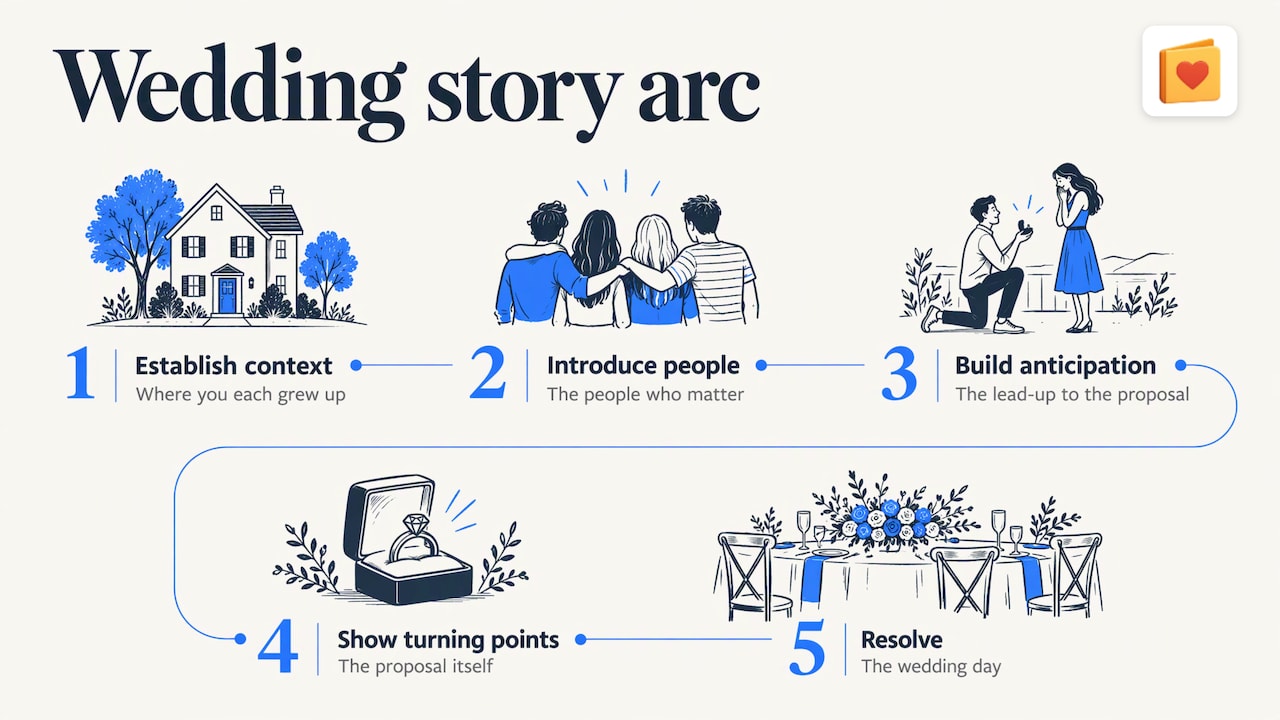
2. The five-stage arc. The Institute of Photographers recommends a five-stage story structure for wedding galleries that also works for slideshows: establish context, introduce people, build anticipation, show turning points, and resolve. In practice: where you each grew up, the people who matter, the lead-up to the proposal, the proposal itself and the wedding day.
3. A chapter slideshow. Break the story into three or four short chapters with a title card for each, such as “Before us,” “How we met,” “Our people” and “Today.” Chapters make a longer slideshow easy to follow.
4. Year by year. Choose one photo per year of your relationship, with the year as a caption. It is easy to build and guests can follow along.
5. A love-story countdown. Count down the places you have been, the trips you have taken or the moments that mattered. A top-ten format is easy for guests to follow.
Guest-centered ideas
6. Photos from the people in the room. Ask guests to send a favorite photo with you, or of you, ahead of the wedding. Seeing their own photo appear on screen is the reason people watch.
7. Messages on screen. Pair photos with a short written note from the person who sent it. A line from a best friend turns a snapshot into a story.
8. Voice messages and short videos. A 20-second wish from a grandparent or a friend who could not travel is worth more than a dozen polished slides. A voice message can be played at the table or kept for the memory book.
9. Advice for the couple. Ask guests for one sentence of marriage advice and run the best ones between photo sections.
10. Then and now. Ask guests for an old photo of themselves with you and a new one from the reception, and show them side by side.
Presentation ideas
11. Captions with place and year. Morris suggests location and date captions when guests may not know when or where a photo was taken. It helps younger guests place older photos and gives the story context.
12. Music that matches the theme. The Knot’s list pairs songs with themes: “Never Grow Up” by Taylor Swift and “A Thousand Years” by Christina Perri for past-present-future; “A Whole New World” and “Life Is a Highway” for a travel-focused show; “Summer” by Calvin Harris and “Walking on Sunshine” for a summer wedding. Pick a slower song for the family chapter and a lively one for the friends chapter, so the music tells guests where the story is going.
13. A mix of wide and close shots. Alternate group photos and scenery with close-ups so the screen does not feel repetitive. Photographer Judah S. Harris, writing on his montage-making guide, suggests inserting title slides with a person’s own meaningful words as an alternative to a photo when you are short on pictures.
14. Keep it real, not perfect. A slightly blurry photo of your grandfather laughing beats a flawless portrait that says nothing. Harris argues a montage should show something unique about the people in it and is “not meant to be perfect, only interesting.”
15. A live slideshow that grows during the party. Instead of a finished film, let the screen update with photos guests upload during the reception. It becomes entertainment, not a presentation, and guests are the content.
How to Choose Which Photos Stay
If you collect more material than the slideshow can hold, which is a good problem, use a simple filter. The Institute of Photographers gives five selection tests: narrative relevance, emotional value, context, variety and visual clarity. A photo does not need to pass all five, but it needs a reason to stay. Ask of each one: does it move the story forward, does it show a feeling, does it show who is in it and where, does it look different from the one before, and can people see what is happening?
A few practical rules:
- Cap near-duplicates at one or two. Five similar group photos feel like five minutes.
- Spread people evenly. Check that both families, both friend groups and the wedding party appear.
- Vary orientation. Mix landscape and portrait so the screen is used well, and check how portrait photos will crop on a projector.
- Hold the best for the end. Finish on the two of you, or on the message that will make the room cheer.
How to Collect Guest Photos Without Chasing Anyone
The usual process is a group text, a shared album and weeks of reminders. Photos arrive in different formats, from different phones, and some never arrive at all. Guests who are not comfortable with technology tend to drop out first.
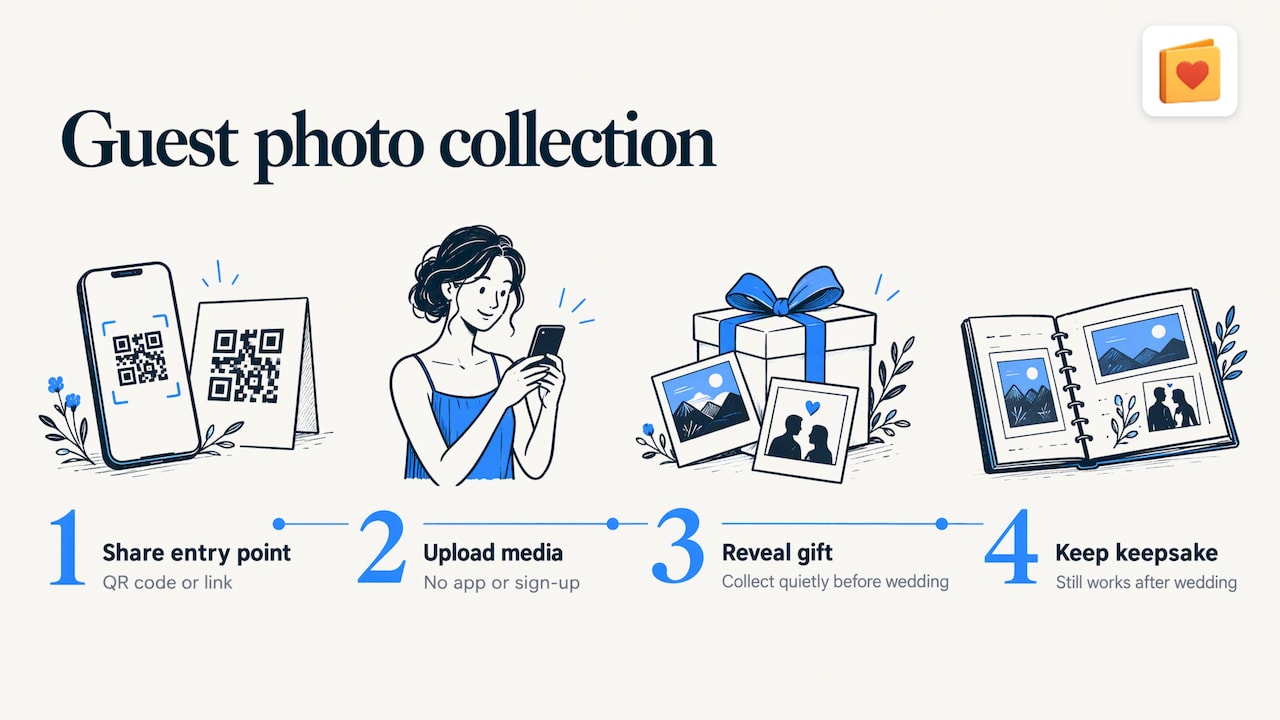
A simpler route is to give everyone one entry point. With Pomento, the host shares a single QR code or link. Guests need no app installation and no sign-up. They open it on any phone or computer and upload photos, videos, written messages and voice messages. Put the QR code on your invitation website, a save-the-date or a small sign at the reception, and people can contribute before the wedding or on the day itself.
That has a second benefit for a surprise. A maid of honor, best man or friend organizing a gift can use it as a shared surprise gift before the wedding: collect the contributions quietly in the weeks before, then reveal them. After the wedding it keeps working as a keepsake. For more on setting up photo collection at the reception, see our guides to wedding guest book ideas with photos and guest book alternatives.
What to ask guests for
Specific requests get better results than “send us photos.” Try:
- A favorite photo of you with the couple, with one line saying why.
- A photo from the first time you met either of them.
- A 20-second voice message with a wish or a memory.
- One piece of advice for the first year of marriage.
- Any photo that makes you laugh when you think of them.
Tell guests how much and by when, and make clear that a phone photo is fine. A short deadline a week or two before the wedding gives you time to build the show.
Running the Slideshow on the Day
A great slideshow can still fail on the day for technical reasons. A short checklist:
- Test the screen or projector with the actual file at the venue before guests arrive.
- Check audio. If music is part of the show, make sure the sound system can play it and that someone knows how to turn it on.
- Pick the moment. Between courses or just before toasts works well, as guests are seated and attentive.
- Decide the loop. If it plays in the background, make sure it repeats without someone having to press play.
- Keep a backup copy on a second device or a USB drive.
For a full walkthrough of screens, projectors and timing, our guide to running a live event photo slideshow covers the setup.
From Slideshow to Keepsake
A slideshow ends when the screen turns off. Most of the material is worth more than that. Photos and voice messages from guests are the kind of thing couples want to open again on an anniversary, and the people who sent them rarely get to see the whole collection.
That is why we do not treat the slideshow as a file download. When guests contribute, each of them creates their own photo book page with their photos, words and voice message using ready-made templates, in just a few taps. Pomento brings all the pages together into a Printed & Digital Photo Book, a Personalized Song made from the guests’ words with its own Music Video, and a live Event Slideshow for the celebration. You also get downloads of all the original photos, videos and voice messages. If you want to see how pages come together, our wedding memory book guide shows page ideas and layouts.
Making It Happen With Pomento
We designed Pomento so the person organizing the wedding does not need to design anything. You share one QR code or link, guests add their memories, and everything is brought together for you.
There are two packages, both one-time payments with no subscription. The Digital Experience costs $48, and the Digital + Printed Book costs $87 and adds a high-quality printed hardcover book shipped to your door. Every purchase comes with a 14-day money-back guarantee.
You can preview a real Example Photo Book on Pomento’s wedding page to see how guest pages look, then start your own project when you are ready.
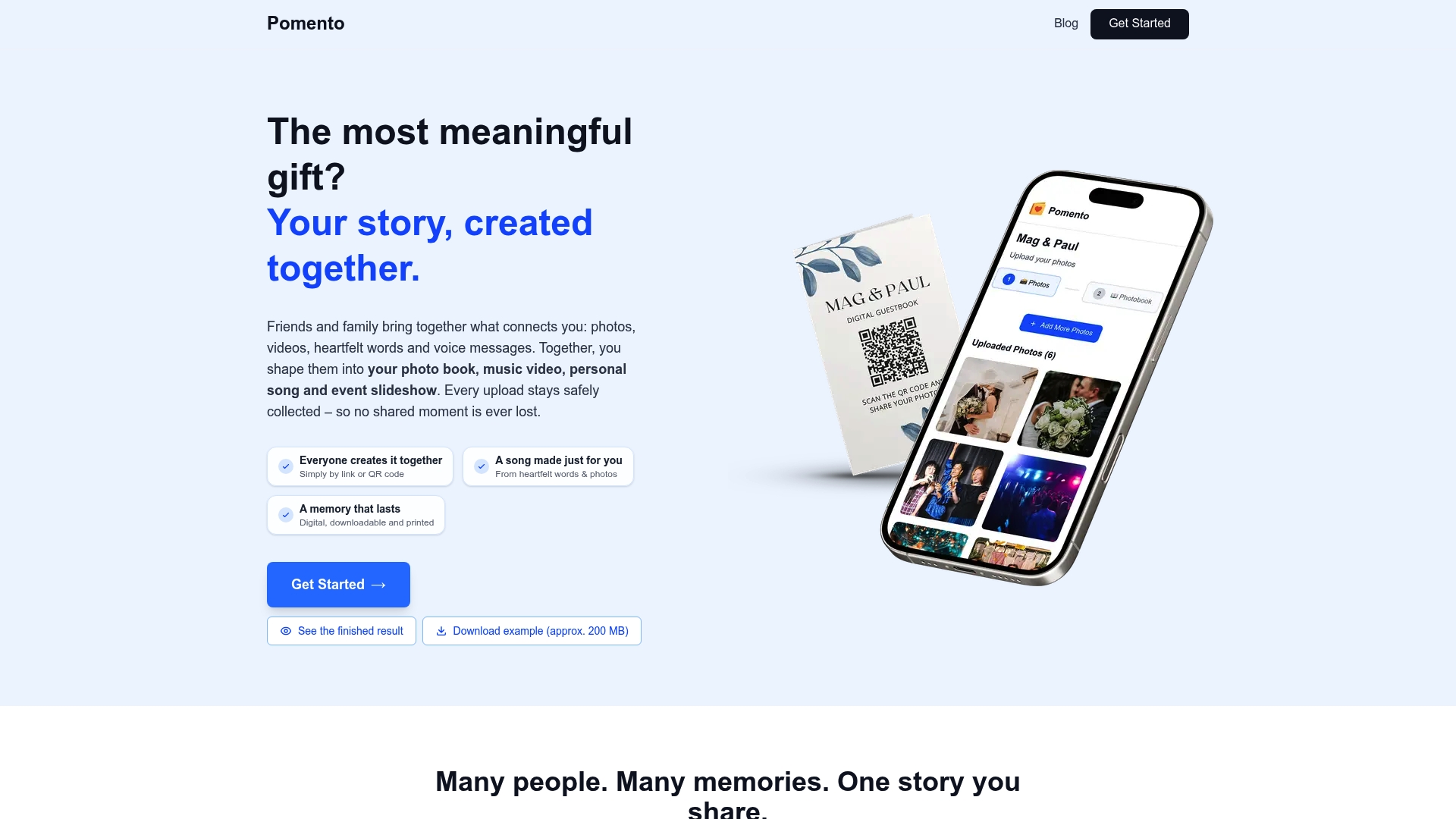
If you are planning another occasion, the same approach works across birthdays, baptisms, memorials and more.
FAQ
How many pictures do you need for a wedding slideshow?
About 25 to 30 photos for a featured slideshow of under five minutes, according to The Knot. WeddingWire’s rule of thumb is about 60 photos for five minutes if you prefer a slower pace per photo or want to repeat some. For a cocktail-hour loop, use as many as you have.
Who should be in a wedding slideshow?
Both of you at different ages, the two of you together, parents and grandparents, the wedding party and friends. Photos from guests make it feel shared. Aim to include every major group in the room at least once.
When should the slideshow be shown at a reception?
Choose a moment when guests are seated and attentive, such as between courses or just before toasts, and let people know in advance. A longer loop works best in the background during cocktail hour or dinner. Ask your DJ or coordinator to announce the start time.
Can guests add photos to the slideshow without installing an app?
Yes. With Pomento, guests use one QR code or link on any phone or computer, with no app installation and no sign-up. They can upload photos, videos, written messages and voice messages.
What should I do with the photos after the wedding?
Keep them together. Pomento brings guest pages into a digital and printed photo book, a personalized song with music video, and downloads of all the original files, so the slideshow becomes a keepsake.
Sources
- The Knot: How to Create a Wedding Slideshow That’ll Be Cherished
- WeddingWire: Create a Photo Slideshow for Your Wedding
- Institute of Photographers: How to Tell a Story with a Wedding Gallery
- Rangefinder: Creating Same-Day Slideshows, Step by Step
- Judah S. Harris: Montage making