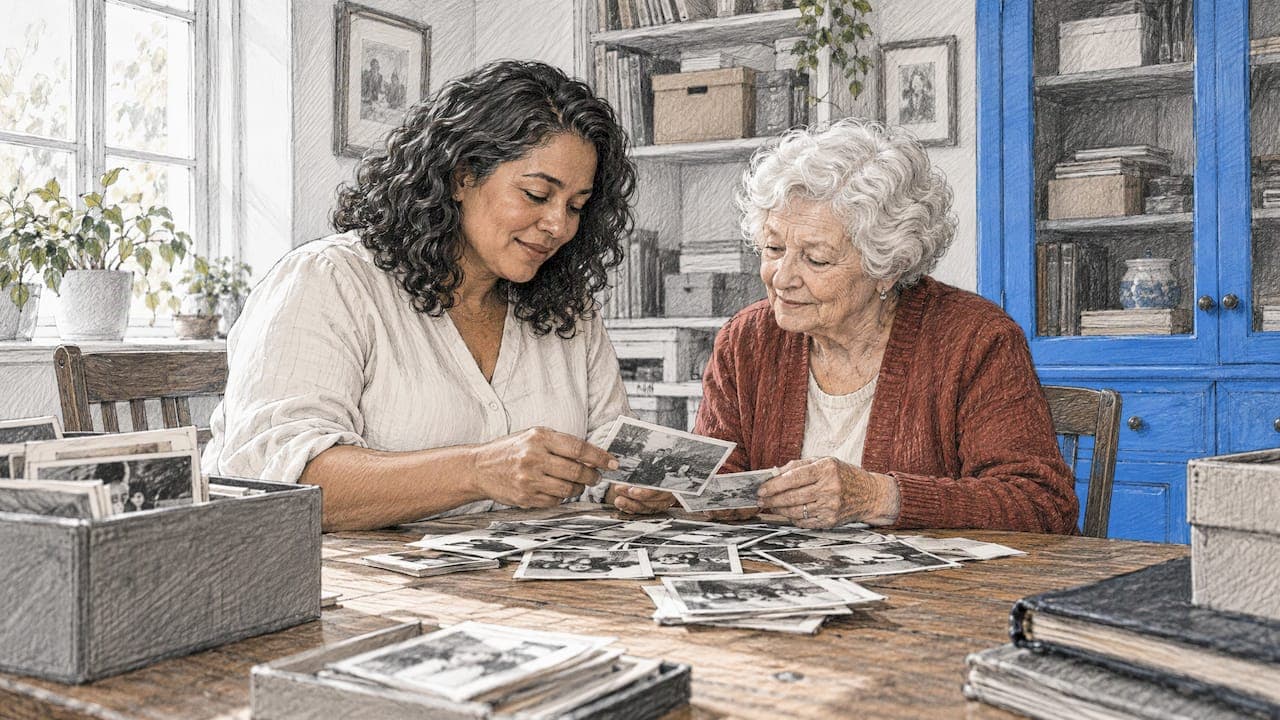
To preserve family memories, do four things: sort and label what you already have, store the originals safely, keep digital copies in more than one place, and record the stories that explain the pictures. Then turn the best of it into something your family can open, hear and hold. Photos without names fade into mystery within a generation. Stories that nobody wrote down disappear with the people who tell them.
This guide walks through each step using advice from archivists and museums, and then covers a part most guides skip: how to collect memories from a whole group of people at a birthday, wedding, christening, memorial or retirement party before they scatter across phones and group chats.
Key Takeaways
- Sort first, then label: names, places and dates written in pencil on the back of a print, or in the file name of a scan, are what make a photo useful to your grandchildren.
- Keep originals cool, dry and dark, and keep digital copies in at least two places, with a relative holding a third.
- Stories matter as much as pictures. Interview relatives with open-ended questions, using photos to prompt them.
- Digital files and printed books protect each other. Files can be duplicated endlessly, while a printed book needs no software to read.
- For events, collect everyone’s photos, videos and voice messages through one link or QR code, so nothing stays trapped on one person’s phone.
Table of Contents
- Start by Sorting What You Already Have
- Label Photos So Future Generations Understand Them
- Protect Physical Photos and Papers
- Scan and Back Up Digital Files
- Capture the Stories, Not Just the Pictures
- Digital or Physical? Keep Both
- Preserve Memories From Family Events
- How Pomento Collects and Preserves Event Memories
- A Simple 30-Day Plan
- FAQ
- Sources
Start by Sorting What You Already Have
Before you buy a single box, find everything. Most families have photographs in albums, loose prints in drawers, slides, old videotapes, letters, and thousands of phone pictures. Pull it into one place and decide what is worth keeping.
The University of Oregon’s family photo archiving guide suggests organizing first by where the material came from (whose house, whose collection), then by format, decade, people, events or traditions, and milestones. Keeping the origin of a box intact matters: it tells future researchers whose life they are looking at.
A simple working method:
- Take everything out of albums, frames and boxes so you work with loose items.
- Group by source, such as “Grandma’s closet” or “Dad’s phone backup”.
- Inside each group, sort by decade, then by event.
- Set aside duplicates, blurry shots and near-identical frames, and keep the best one or two.
Don’t aim to finish in a weekend. Start with one box or one decade, and you will actually complete it.
Label Photos So Future Generations Understand Them
An unlabeled photograph is half a memory. KQED’s guide to archiving like a professional advises writing full names, places and dates on the back of photos and documents, and using a pencil rather than a pen, since ink can bleed and fade. Write lightly along the edge, never pressing into the image.
For digital files, build the same information into the file name or the caption field: 1974-07_Smith-family-picnic_Lake-Geneva. If you are not sure who someone is, ask an older relative now. The Oregon guide stresses that collecting the stories attached to photographs is just as important as preserving the photographs themselves, and recommends using the photos to spark conversation with family members.
A good labeling checklist:
- Who is in the picture, with first and last names, left to right.
- Where it was taken.
- When, even if only the year or decade.
- Why it matters: a wedding, a first day of school, a move.
Protect Physical Photos and Papers
Originals are fragile, and the enemies are heat, humidity, light, pests and handling. The National Archives advises keeping family items below 75°F and below 65% relative humidity to prevent mold and reduce insect activity, while avoiding very dry air under 15%, which makes paper brittle. It also recommends acid-free, lignin-free or buffered containers.
Practical rules that follow:
- Choose the right room. Skip attics and basements. The American Red Cross advises a cool, dry, stable place protected from pests and mold, with archival-quality acid-free papers, folders and boxes, and a fire safe for documents.
- Get off the floor. NEDCC recommends storing material at least four inches above the floor and using blinds or curtains to limit fading from light.
- Use safe enclosures. Folders for photos should pass the Photographic Activity Test, according to KQED. Photos in poor condition or of special value can go in individual polyester or polyethylene sleeves, per the National Archives.
- Handle gently. The same National Archives guidance recommends cotton or nitrile gloves, never mending a print with glue or tape, and never folding, cutting or trimming an original.
- Keep originals in the dark. All light damages photographs, with sunlight and fluorescent light the fastest. Store the originals away and display scans instead.
That last point is a nice bridge to the digital side: a framed scan on the wall lets you enjoy the picture while the original rests in a box.
Scan and Back Up Digital Files
Digitizing is the single most useful thing you can do for fragile family material, as long as you do it carefully. The National Archives recommends a scanner with a glass platen larger than the item and no automatic feeder, so prints are never dragged through rollers.
Once files exist, protect them. The Red Cross suggests making digital copies of photos, videos, DVDs and tapes, backing up on multiple devices, using a cloud service, and swapping backups with a friend or family member. The National Archives adds that scans should live on a computer hard drive rather than on compact discs, and that other family members should keep backup copies.
Photographic preservation experts Henry Wilhelm and Harold Fuson describe the advantage of digital as redundant geographic separation: perfect copies of images and videos kept in several locations greatly improve the odds of long-term survival.
A simple rule of thumb: three copies, on two kinds of storage, with one in a different place. For example, your laptop, an external drive in a fire safe, and a cloud account or a relative’s drive.

Capture the Stories, Not Just the Pictures
Photos show faces. Stories explain them. If an older relative is willing, an interview may be the most valuable memory you ever save.
Prepare the interview
The Smithsonian’s National Museum of African American History and Culture suggests a preliminary conversation about logistics and the person’s life timeline, looking through photos and artifacts together if possible, and treating the interview as a space of trust where the narrator is the authority on their own life.
The National Genealogical Society’s 2025 guide to recording family memories recommends recording on a tablet, laptop or smartphone, preparing open-ended questions, bringing family tree charts and photos to spark memories, and discussing how the recording will be used and shared beforehand.
Ask better questions
Questions that start with “how,” “what” or “why” draw out stories, while “do” and “did” questions get one-word answers, according to the Smithsonian Folklife and Oral History Interviewing Guide. The same guide advises a one-minute test recording first and saying the names, date, location and topic aloud at the start.
Try:
- What do you remember about the house you grew up in?
- How did you and Grandpa meet?
- What was a typical Sunday like when you were ten?
- Why did your family decide to move?
Ask permission, then ask again
Recording a life story is not a neutral act. Discuss with the storyteller before recording, and again before sharing, who may hear it, which people are named, and whether anything should stay private. Respecting those limits keeps the relationship intact and the recording usable.
Digital or Physical? Keep Both
Families often ask whether to keep everything on a drive or print it. Research suggests you gain from combining them.
In a study of family memories in the home, Petrelli and Whittaker found that physical mementos were highly valued, while digital ones were initially seen as less valuable and were rarely looked at. The same paper notes that physical items are often available to everyone in the household, while digital files tend to sit locked on one person’s computer.
At the same time, Wilhelm and Fuson separate machine-readable records, meaning digital files that need particular software and hardware, from human-readable records such as prints and photobooks, which need neither. Historian Thomas Mullaney tells AARP that analog materials can outlast digital ones when hazards like humidity, fire, bugs and mold do not get to them.
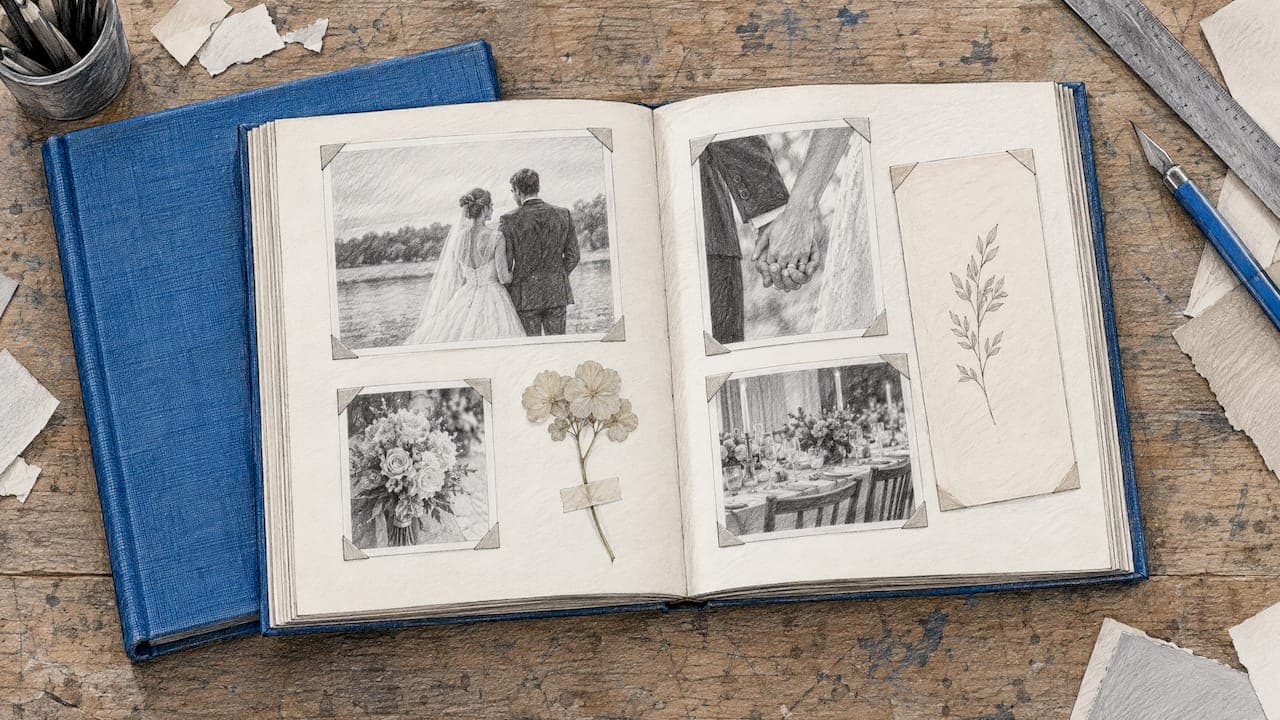
The practical answer is a pair. Digital copies give you duplication, search and easy sharing. A printed book gives you something that sits on a coffee table, gets passed around at holidays, and works in fifty years without a password. Even beloved family pets belong in this archive, and some families turn their photos into pet memorial keepsakes alongside the family album.

Preserve Memories From Family Events
Events are where family memories pile up fastest, and where they get lost fastest. Twenty guests take two hundred photos, a few videos and a lot of heartfelt comments, and all of it ends up on twenty different phones or buried in a group chat. Nobody has the whole story.
The fix is to gather contributions in one place, ideally before the event is over and the details fade. Here is a method that works for any occasion:
- Pick one collection point. One shared link or QR code beats a dozen emailed attachments. Print the QR code on a table card or invitation.
- Remove barriers. Guests, especially grandparents, give up when asked to install an app or create an account. Choose a tool that works from a browser on any phone or computer.
- Ask for more than photos. Written messages, short videos and voice messages capture laughter, accents and the way people talk. A recorded voice is often what families treasure most years later.
- Set a gathering window. Open it before the event, keep it open during, and leave a week or two afterwards for stragglers.
- Turn it into a finished object. A pile of uploads is still a pile. Compile it into a book, a slideshow or a keepsake, and back up the originals.
If you want a deeper look at this, our guides on QR code photo sharing and on what a digital memory book is cover the details.
Weddings, birthdays and baptisms
Celebrations are the moments families most want to keep. For a wedding, the best photos are often taken by guests, not the photographer, and a collective book lets the couple see the day through everyone’s eyes. For a birthday, friends and relatives can add years of stories to a surprise gift, and our birthday photo book guide shows page ideas. For a baptism or christening, parents, godparents and grandparents can leave blessings and wishes the child can read when grown. Graduations work the same way, as our graduation photo book ideas show.
Memorials and farewells
At a funeral or celebration of life, families often want stories from people who cannot travel. A shared link lets distant relatives and friends contribute photos, memories and voice messages, which become a comforting keepsake. See our page on memorial and funeral guestbooks, or read about funeral guest book alternatives. Whatever you collect, tell contributors how it will be shared, in line with the consent advice above.
How Pomento Collects and Preserves Event Memories
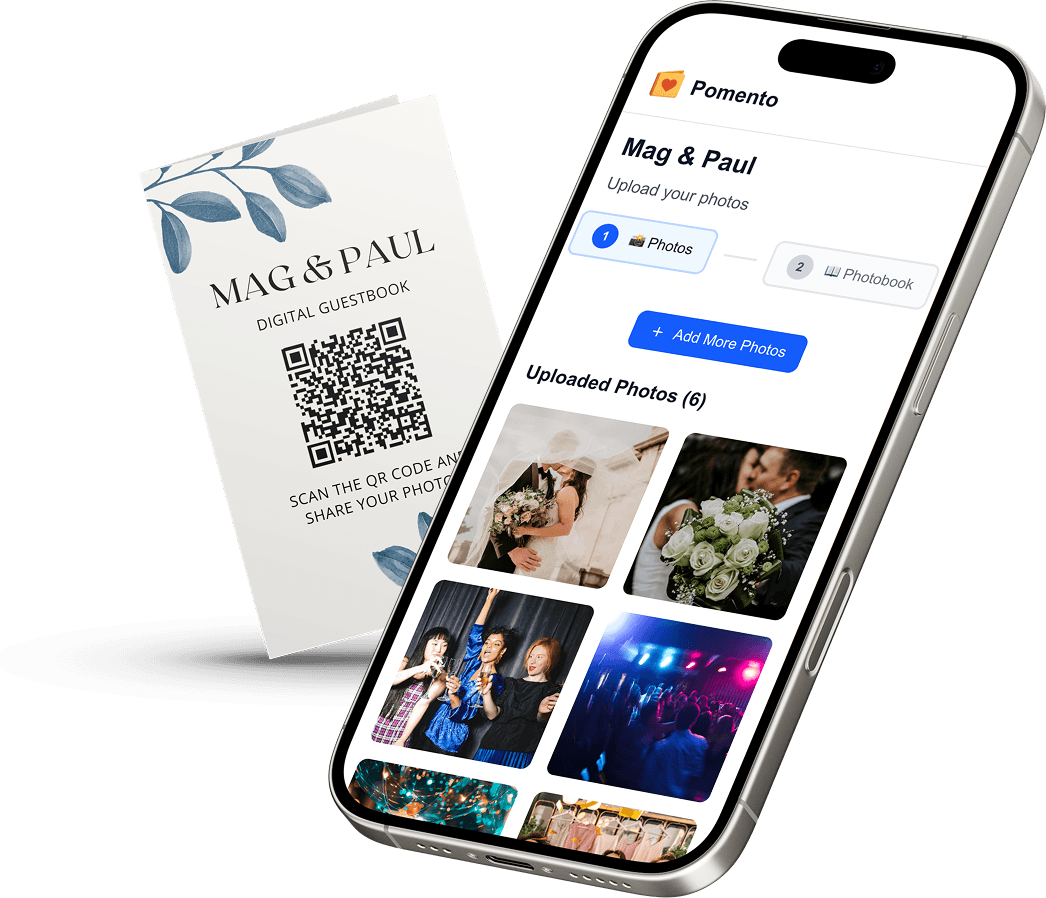
Pomento is an all-in-one collaborative memory platform and digital guestbook for weddings, birthdays, baptisms, memorials, farewells and company events. The idea is simple: collect everyone’s memories in one place, instead of scattered across phones and group chats, and turn them into a gift you can see, hear and hold. It works as a shared surprise gift before the event and as a live guestbook during the celebration.
Here is how it works:
- One QR code or link. The host shares a single QR code or link. Guests need no app installation and no sign-up.
- Any phone or computer. Guests upload photos, videos, written messages and voice messages.
- Their own page. Each guest creates their own photo book page with their photos, words and voice message, using ready-made templates, in just a few taps.
- A finished gift, not just a file. Pomento assembles the pages into a Printed & Digital Photo Book (an interactive digital book to share online plus a hardcover printed book shipped to you), a Personalized Song built from the guests’ words with its own Music Video made from your photos, and a live Event Slideshow for screens and projectors at the celebration. You can also download all original photos, videos and voice messages.
Pricing is a one-time payment with no subscription: the Digital Experience is $48 and the Digital + Printed Book is $87. There is no free trial, but every purchase comes with a 14-day money-back guarantee. You can preview a real Example Photo Book on Pomento, or start your own project from the Pomento home page. Browsing other kinds of celebrations? See all the occasions Pomento covers.

A Simple 30-Day Plan
If this all feels like a lot, break it into small weekly pieces:
- Week 1: Gather and sort. Pick one box, one drawer or one phone, and group by source and decade.
- Week 2: Protect. Move originals to acid-free enclosures in a cool, dry closet, away from light, and label each one in pencil.
- Week 3: Digitize and back up. Scan the most valuable prints, name the files, and copy them to two places plus a relative.
- Week 4: Record one story. Ask one relative three open-ended questions with a photo in front of you, and save the recording with its date and names.
Then, for the next family event, set up one link before the day arrives so the memories land in one place from the start.
FAQ
What is the best way to preserve old family photos?
Scan them on a flatbed scanner, then store the originals in acid-free, photo-safe folders or boxes in a cool, dry, dark room. Label the back lightly in pencil with names, places and dates. Keep scans in at least two locations, and give a relative a copy.
How do I save family memories if relatives live far away?
Use a shared link or QR code that works in any browser, so nobody needs an app or an account. Relatives can add photos, videos, written messages and voice messages from wherever they are. Collect them into one book or archive and download the originals for backup.
Should I keep family memories digitally or in print?
Both. Digital copies are easy to duplicate and share, while printed books and photographs can be read without special software or hardware. A printed book made from your best material, plus backed-up files, covers the risks of each format.
How do I preserve memories from a special event like a wedding or birthday?
Give guests one QR code or link before the event, ask for photos, videos and messages, and keep collecting for a week or two afterward. Then compile everything into a book or slideshow and back up the original files in more than one place.
Sources
- Capturing Your Family’s Oral History, Smithsonian NMAAHC
- Record Family Memories, National Genealogical Society (2025)
- Smithsonian Folklife and Oral History Interviewing Guide
- Recording a Loved One’s Life Story: A Legacy Guide, Tribute Plan
- Preserving Family Photos, National Archives
- How to Preserve Family Archives, National Archives
- Treating Memories as Documents, National Archives
- Telling Our Stories: Family Photo Archiving Guide, University of Oregon
- How to Preserve Your Family History Like an Archivist, KQED
- Preserving Your Memories, American Red Cross
- Caring for Private and Family Collections, NEDCC
- Family memories in the home: contrasting physical and digital mementos
- Personal and Family Archives, Wilhelm and Fuson (2014)
- Historian: Our Thinking On Digital Legacies is Wrong, AARP