A good birthday video message is short, specific and sounds like you: say their name, share one real memory, add a wish for the year ahead and sign off warmly. If many people want to take part, collect every clip through one shared link, then combine them into a single gift instead of chasing files across phones and group chats. This guide covers what to say, how to film it, how to organize a surprise from a whole group, and how the same method works for weddings.
Key Takeaways
- Aim for 30 to 90 seconds: name, one memory, one wish, a warm sign-off.
- Specific beats generic. A concrete moment from your shared history is worth more than “you are amazing.”
- For a group surprise, use one QR code or link so guests need no app and no sign-up.
- Videos get lost in chat threads. Gather them in one place and turn them into a book, slideshow or song they can keep.
- The same approach works for a wedding video guestbook, collected before or during the celebration.
Table of Contents
- What makes a birthday video message memorable
- A simple script you can film in one take
- Birthday video message ideas for friends and family
- How to organize a surprise birthday video from many people
- From scattered clips to a gift they can keep
- Birthday video montage ideas
- Wedding video guestbook: the same idea, a different moment
- Other moments where video messages shine
- How to share and preserve the finished messages
- Common mistakes to avoid
- FAQ
- Sources
What makes a birthday video message memorable
Three qualities come up again and again: specificity (it could only have been written for this person), authenticity (it sounds like you, not a template) and emotional contrast, according to Messagear’s birthday guide. That last one is easy to use. Open with a joke, then land on something sincere. The same guide argues the contrast between the two tones leaves a deeper impression than a message that is only funny or only heartfelt.

Specificity is the part most people skip. A prompt guide from NemoVideo suggests describing the memory as something you could actually picture. “You carried that mug up three rainy trails” gives the viewer an image. “You are always amazing” gives them nothing to hold onto. Name how you know the person, pick one real moment, and match the tone they like. A teasing friend can tease. A grandmother may prefer something gentler.
A simple script you can film in one take
You don’t need to write a speech. A structure recommended by NeverForgottenBirthdays keeps a message between 30 and 90 seconds:
- Open by saying their name and “happy birthday.”
- Share one memory or one thing you love about them.
- Add a wish for the year ahead.
- Finish with a warm sign-off.
Here is how that sounds in practice:
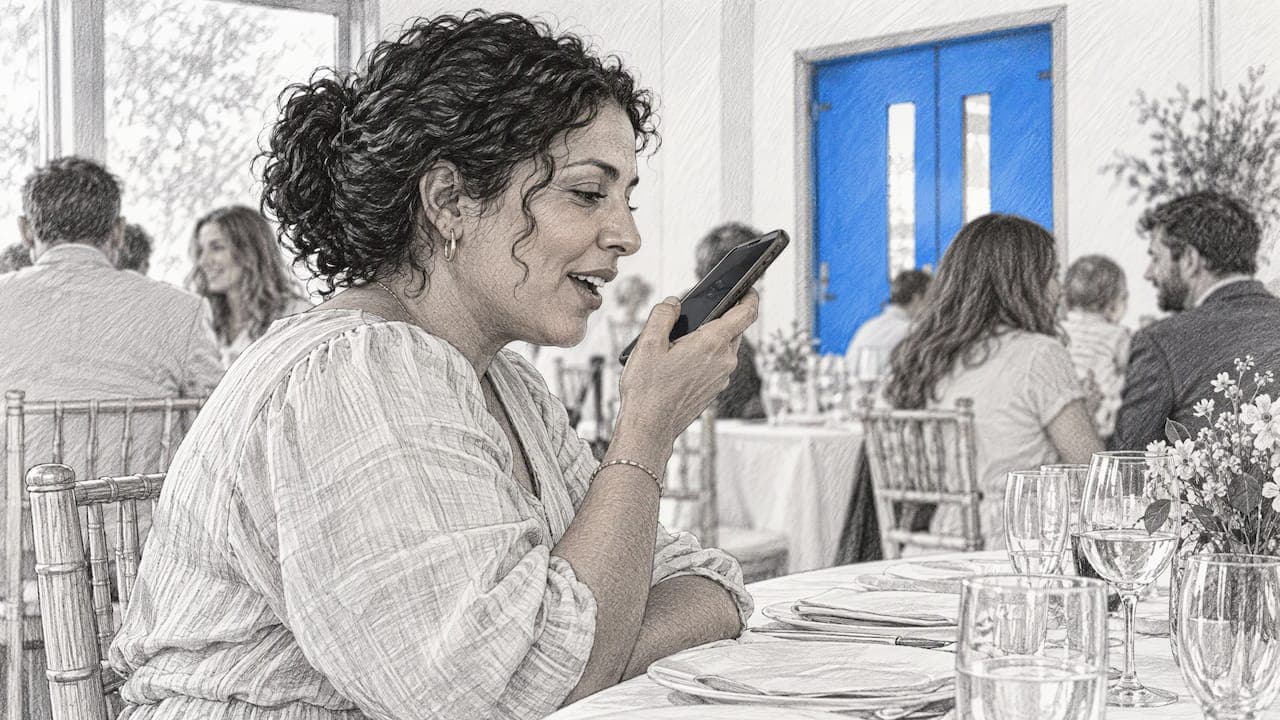
“Happy birthday, Dana! I still laugh about the time we got lost driving to your cabin and you insisted the GPS was wrong. It wasn’t. What I love most is that you made it the best weekend anyway. I hope this year gives you a lot more wrong turns and good stories. Love you, see you soon.”
That is about 15 seconds of speaking at a relaxed pace, so you have room to add a second detail or a joke. Read it aloud once, then record without memorizing it. A natural pause or a laugh is better than a perfect delivery.
Filming tips that make a difference
The same source recommends facing a window for soft light, holding the phone at eye level and recording somewhere quiet. Add a few habits of your own:
- Film horizontally if the clips will be shown on a screen or projector, or vertically if they will be viewed on phones. Pick one and tell everyone in the group.
- Keep the phone steady against a shelf or stack of books if you don’t have a tripod.
- Do a five-second test and listen back. Muffled sound is the most common problem.
- Record two takes. The second one is usually looser and better.
Birthday video message ideas for friends and family
A plain “happy birthday” clip works, but a little structure makes it feel like a gift. Here are formats worth trying:
- The memory story. One funny or touching moment, told in 30 seconds. This works for almost every relationship.
- The interview. Ask a friend or relative to tell a story about the birthday person on camera. Guided questions (“What is your earliest memory of them?”) keep people from freezing.
- The video card. Hold up a handwritten sign, read a short poem, or show a drawing from a child.
- The favorite song. Sing a line, hum the tune or play their favorite track while you talk. A quote they love can open the clip.
- Then and now. Show an old photo, then say what that moment meant. This is a good fit for parents and grandparents, as it ties their life story together.
- The party recap. Film short moments during the celebration and cut them into a highlight reel.
- The advice clip. For milestone birthdays like 40, 50 or 60, ask each guest for one piece of advice or one prediction.
- The voice-only message. Some people are camera shy. A recorded voice message with a photo is just as personal.
If the guest of honor happens to be a four-legged friend, a short clip belongs in the party too, and dog birthday party ideas can help you plan a celebration worth filming.
How to organize a surprise birthday video from many people
Collecting clips from ten or fifty people is where most projects stall. Messages arrive in different apps, file sizes break email, and someone always forgets. A process that works:
- Choose an organizer and a deadline. Set the deadline a week or more before the birthday, so you have time to assemble everything and handle late replies.
- Write a short brief. Tell everyone the length (30 to 90 seconds), the orientation (horizontal or vertical) and the structure above. Say clearly that it is a secret.
- Use one place for everything. A single link or QR code beats a dozen attachments. Guests should not have to install an app or create an account, as every extra step means fewer contributions.
- Invite people far away. Relatives abroad can record on their own phone and upload from wherever they are.
- Send two reminders. One halfway to the deadline and one 48 hours before.
- Review before assembling. Check sound, remove accidental duplicates and put the clips in an order that builds: funny first, heartfelt near the end.
- Decide how to present it. Play it at the party, send it privately or turn it into something they can keep.
People who collect birthday messages this way often add a photo or two next to each video. That lets the guest of honor see the people and moments behind the words, which is why a photo book format works so well. If you want layout ideas, see our guide to a birthday photo book.
From scattered clips to a gift they can keep

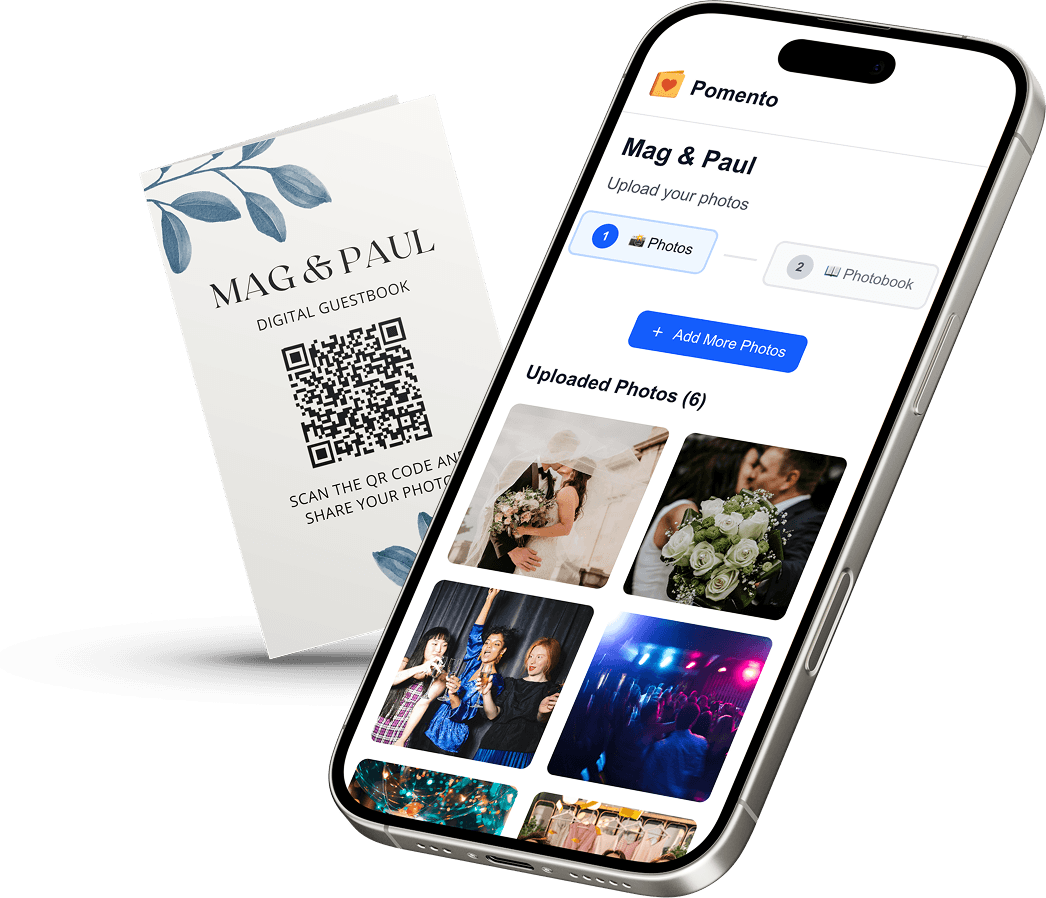
A folder of videos on a phone is easy to lose. A chat thread is worse. Pomento is an all-in-one collaborative memory platform and digital guestbook for weddings, birthdays, baptisms, memorials, farewells and company events. The idea is simple: collect everyone’s memories in one place instead of scattered across phones and group chats, then turn them into a gift you can see, hear and hold.
It works as a shared surprise gift before the event and as a live guestbook during the celebration. Here is how a birthday project runs:
- Collect. You share one QR code or link. Guests need no app installation and no sign-up. They upload photos, videos, written messages and voice messages from any phone or computer.
- Design. Each guest creates their own photo book page with their photos, words and voice message, using ready-made templates, in just a few taps.
- Receive. Pomento brings the pages together into an interactive digital book to share online and a hardcover printed book shipped to you. It can also create a personalized song from guests’ words with its own music video built from your photos, a live event slideshow for screens and projectors, and downloads of all original photos, videos and voice messages.
So the result is a Printed & Digital Photo Book, a Personalized Song, a Music Video and an Event Slideshow, not just a file download. If you are curious about the song, this guide to personalized song gifts explains how to choose and present one.
What it costs
Pricing is a one-time payment with no subscription. The Digital Experience is $48, and the Digital + Printed Book is $87. There is no free trial, but every purchase comes with a 14-day money-back guarantee.

Curious what the finished gift looks like? Preview a real example photo book and then start your own project when you’re ready. The birthday page walks through the details for this occasion.
Birthday video montage ideas
If you prefer to edit one film yourself, a montage gives you the most control. Splitting the work into three layers keeps it manageable:
- Opening. A title card with their name and age, followed by a short clip from the organizer.
- Middle. Alternate between friends’ clips and photo sequences. Group them by theme: childhood, school years, career, family, friends.
- Close. End with a clip from the person closest to the birthday star, or a group “happy birthday” shot.
Keep the whole montage under five minutes unless it will be watched together, because a long video tends to lose people. Clips with a clear thread (every guest answers the same question) are easier to cut than a random mix. For milestone years, a timeline structure from childhood to today suits parents and older relatives especially well.
Wedding video guestbook: the same idea, a different moment
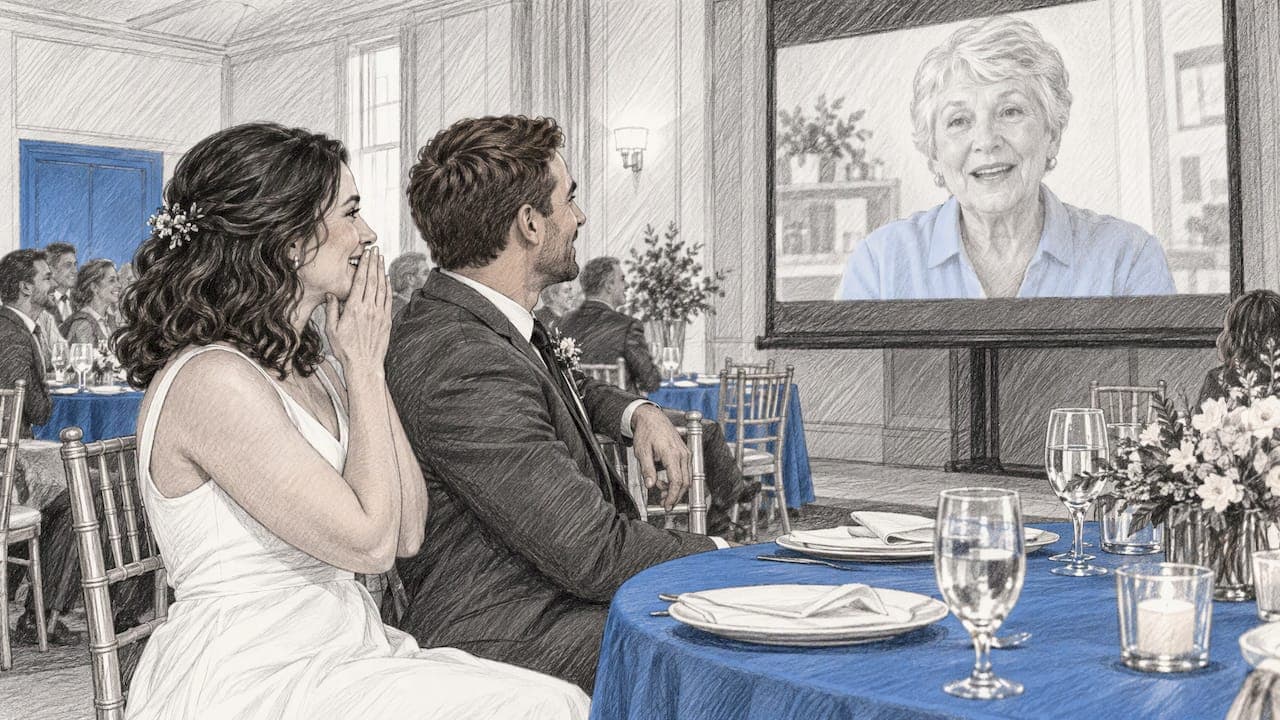
A wedding video guestbook is a collection of short recorded messages from guests for the couple. Instead of signing a book, guests speak to the camera, or record a voice message with a photo. It captures things a signature can’t: tone of voice, laughter and the way people really talk about you.
There are two common ways to gather them:
- Before the wedding. Send a link to guests in the invitation or in a reminder email. Messages arrive as a surprise gift for the couple, and relatives who can’t attend can still take part. The maid of honor or best man is often the natural organizer.
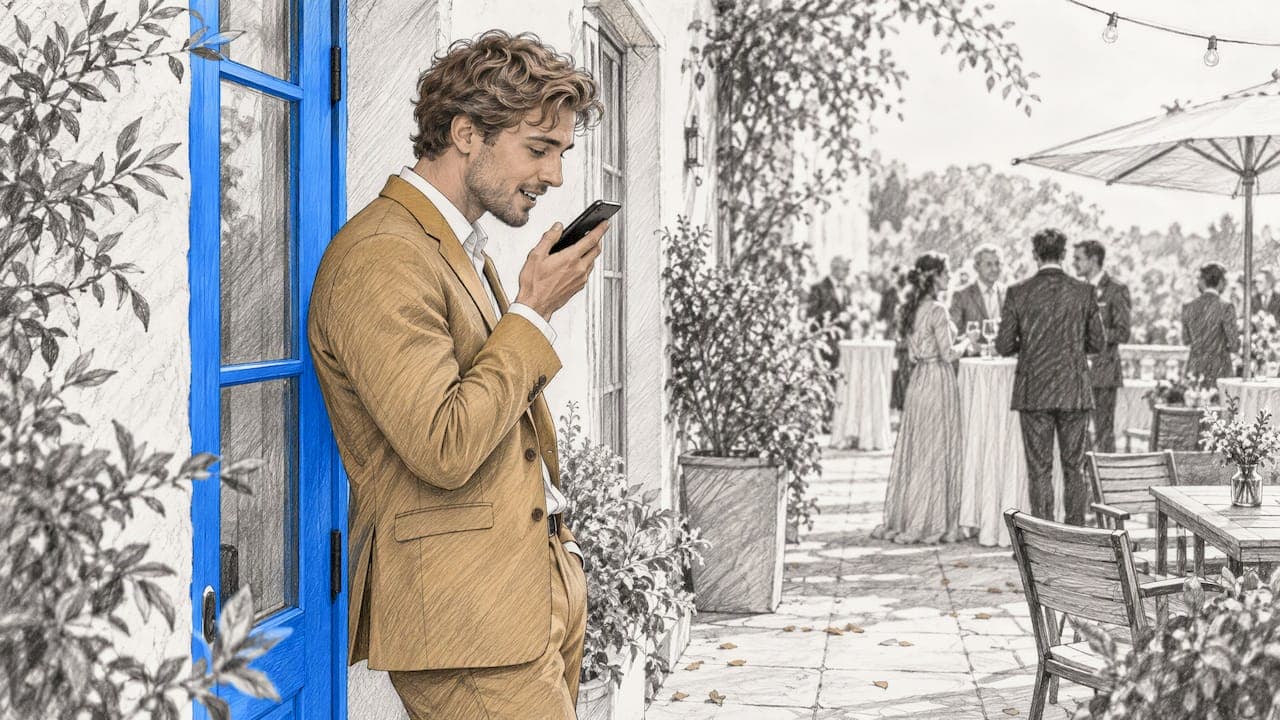
- During the celebration. Place a QR code on tables, signs or the welcome board. Guests scan, record and upload from their own phones during the reception, so there is no booth to staff and no queue.
Many couples combine both. Pomento’s wedding guestbook works this way: one link or QR code, no app and no sign-up for guests, with photos, videos, written messages and voice messages from any phone. A live slideshow can show contributions on a screen during the reception. For setup tips, see our guide to running a live event slideshow and QR code photo sharing.
What guests should say in a wedding video message
The same rules apply, with a different twist. Ask guests to keep it to 30 to 60 seconds and to cover three things:
- How they know the couple (or one of them).
- A favorite memory or a moment they noticed about the two of them together.
- A wish, a piece of advice or a prediction for married life.
A short prompt card on the table or in the invitation helps shy guests. Some good ones: “Tell us about the first time you met us,” “Give us one piece of advice for year one,” “What do you hope we’ll be doing in 20 years?”
Other moments where video messages shine
Birthdays and weddings are the most common, but the method carries over to many occasions. For a retirement or farewell, a team can gather messages from colleagues across offices, as described in our retirement memory book guide. For baptisms, godparents and grandparents can record blessings the child can watch years later, which you can explore on the baptism page. For a memorial or funeral, relatives who can’t travel can share stories and voice messages, and the family keeps them in a memorial book. You can see the full range on the occasions page.
For memorials in particular, keep the prompts gentle. Ask for a favorite story, something the person taught them or a phrase they always said. Don’t push for length, because a few honest sentences mean more than a polished speech.
How to share and preserve the finished messages
A video message is only a keepsake if you can find it again in ten years. A few habits help:
- Keep the originals. Save the untouched files, not only the edited montage. Original quality matters if you ever re-edit.
- Name files by person and date. “Aunt Rosa, 2026 birthday” will still make sense later.
- Store in two places. For example a cloud folder plus an external drive.
- Share a viewing link. An online book or a private link is easier for relatives than a large file.
- Make something physical. A printed book with pages for each guest is something that sits on a shelf and gets picked up. It also doesn’t depend on any app still working in a decade.
If you’re deciding between formats, a digital version suits quick sharing and far-away family, while a printed book suits the moment of giving a gift. Many people choose both.
Common mistakes to avoid
- Waiting for the last day. Late clips are rushed clips. Set the deadline early.
- Asking for “a few words” with no guidance. People freeze. Give a one-line prompt.
- Mixed orientations. Horizontal and vertical clips together make a montage look messy.
- Too many steps for guests. Every download or registration loses contributors.
- Forgetting people who are less comfortable on camera. Offer written or voice-only options.
- Leaving out the organizer. The person coordinating the project should record a message too.
FAQ
How long should a birthday video message be?
Between 30 and 90 seconds works well. That is long enough for a memory and a wish, and short enough to hold attention. For a group montage, shorter clips of 20 to 45 seconds keep the final video moving.
How do I collect birthday video messages from friends and family without them downloading an app?
Share a single link or QR code that opens in a phone or computer browser. With Pomento, guests need no app and no sign-up, and they can upload photos, videos, written messages and voice messages. You then receive everything in one place.
What should I say in a birthday video message if I’m not comfortable on camera?
Keep it simple: their name, one memory, one wish. You can also send a voice message with a photo, or write a short note that is added to a page. A real, brief message is better than a perfect one.
Can I do the same thing for a wedding?
Yes. A wedding video guestbook collects short messages from guests before or during the celebration, via a QR code or link. Guests record on their own phones, and the couple receives the messages together afterward, for example as a book, slideshow or archive.
What can I turn the messages into?
You can show them as a montage, a slideshow at the party, an online book or a printed hardcover book. With Pomento, the same contributions can also become a personalized song with a music video made from your photos.
Sources
- Happy Birthday Wishes: The Ultimate Guide 2026, Messagear
- Video Birthday Message Ideas, Scripts and Phone Filming Tips, NeverForgottenBirthdays
- Birthday Video Prompts for Personal Clips, NemoVideo