A digital memory book is a shared book of photos, videos, written messages and voice recordings, gathered from the people who were there and arranged into pages you can view on a screen, share with a link and often print. Unlike a folder of files or a camera roll, it tells the story in the voices of many people. The easiest way to make one is to let guests contribute through a single link, then turn their contributions into pages, instead of designing everything yourself.
Below you’ll find what a digital memory book is, how it differs from a printed photo book and a guestbook, how to collect and organize contributions, what to consider for different occasions, and how to keep the finished book safe for years.
Key Takeaways
- A digital memory book combines photos, video, written notes and voice messages from many contributors, not just one person’s pictures.
- The collection step decides whether the book is good. One link or QR code, with no app and no sign-up for guests, gets far more people to take part.
- Digital and print work best together: the digital book carries video and voice, the printed hardcover is something to hold.
- Preservation guidance from U.S. national institutions says to keep at least two copies in separate places and refresh them about every five years.
- Pomento builds the whole thing for you: a Printed & Digital Photo Book, a Personalized Song, a Music Video and an Event Slideshow.
Table of Contents
- What a digital memory book actually is
- Formats a digital memory book can take
- How to collect memories from many people
- Organizing contributions into a book people want to read
- What to consider for different occasions
- Keeping a digital memory book safe for years
- Make a digital memory book with Pomento
- FAQ
- Sources
What a digital memory book actually is
The phrase covers a few different things, which is why search results for it are such a mix of apps, templates and printable PDFs. At its core, a digital memory book is a book of memories that lives online. You open it on a phone, tablet or computer, flip through pages, watch a video and tap to hear a voice.
Three features separate a real digital memory book from a pile of files:
- Curated pages. Photos are placed on pages with captions or messages, not dumped in order of upload.
- Multiple voices. The best ones hold contributions from many people, so the recipient sees how family, friends or colleagues remember the same moments.
- Rich media. Because it is digital, it can hold what paper can’t: video clips and recorded voices.
That last point matters most for occasions like a milestone birthday or a memorial. A written line from a grandmother is lovely. Her actual voice saying it is something people replay for years.
How it differs from a printed photo book
A printed photo book is a finished object. It is tactile, it sits on a shelf and it needs no battery. But it is fixed once printed, and it can’t play a video or a recording. A digital memory book can be shared instantly with relatives abroad, updated before it is finalized, and it carries sound and motion.
You don’t have to pick one. Many people now make the digital version first and order a hardcover from the same pages.
How it differs from a digital guestbook
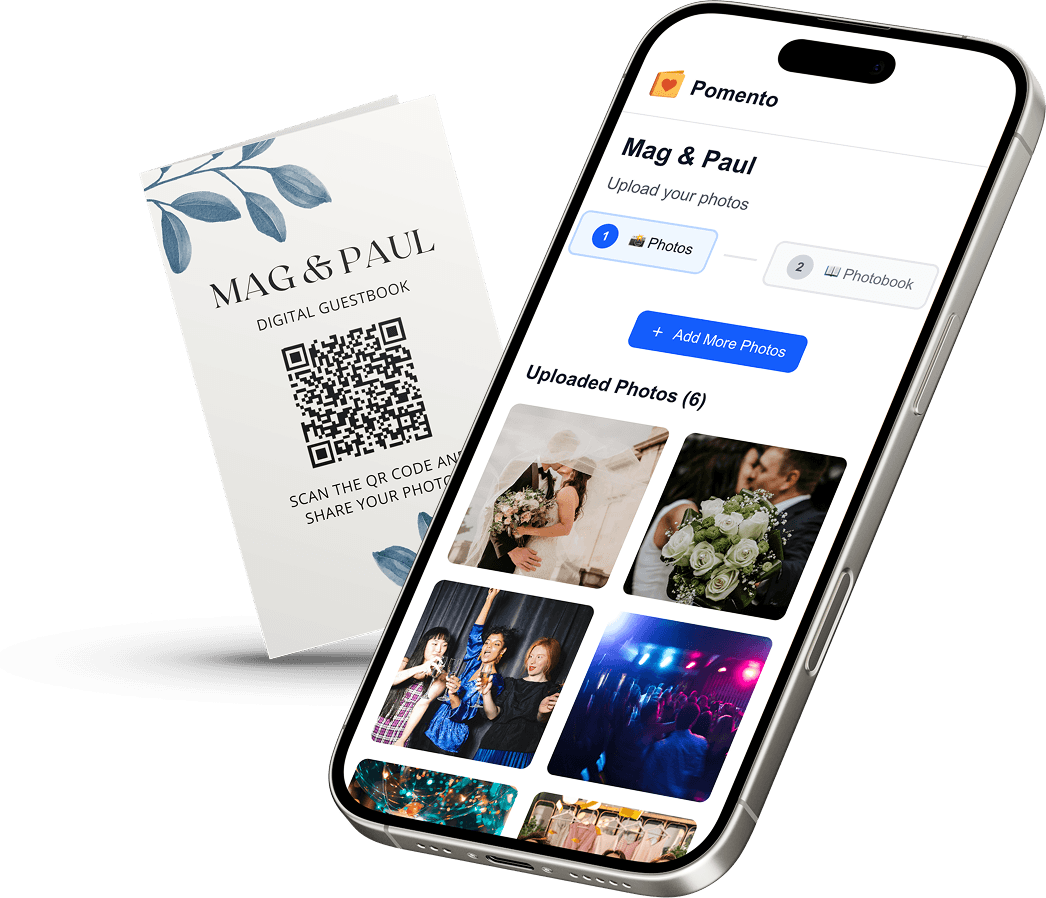
A digital guestbook is usually a collection tool: guests leave a note or upload a photo, often at an event. A memory book goes a step further. It takes those contributions and turns them into a designed, finished keepsake. Think of the guestbook as the gathering and the memory book as the result.
Formats a digital memory book can take
| Format | Best for | What it holds | Limits |
|---|---|---|---|
| Interactive online book | Sharing with distant family | Photos, video, text, voice | Needs a link and a device |
| Printed hardcover | Giving on the day, display | Photos and text | No sound or video |
| Slideshow | Playing at the event | Photos, short messages | Passes quickly, not a keepsake on its own |
| Downloadable archive | Long-term safekeeping | Original files | No design or story |
| PDF or printable template | Solo, hand-filled projects | What you type in | Only one person’s input |
The strongest result combines several of these from the same contributions. That is the idea behind Pomento, covered below.
How to collect memories from many people
Collection is where most group projects stall. A group chat fills with photos, someone is missing half the pictures, and the person organizing ends up chasing replies for weeks. A few habits fix this.
Use one link or QR code
Every extra step costs you contributors. Ask people to install an app or create an account and a share of them will simply never do it, particularly older relatives. A single link or QR code that opens in the phone’s browser removes that barrier. If you want the details on printing and placing a code at an event, see our guide to QR code photo sharing.
Let people contribute in the way they prefer
Some guests will upload twenty photos. Others will write two sentences. Others would rather talk. A good collection page accepts photos, videos, written messages and voice messages from any phone or computer, so everyone can contribute in the way that feels natural. Voice messages are especially good for people who “don’t know what to write.” Our piece on the audio guest book explains what to say and how it works.

Give a clear, short invitation
What gets responses:
- One sentence on what the book is for (“We’re making a book for Maria’s 50th”).
- A deadline that is a few weeks out, so people don’t forget.
- A prompt, such as “Share a favorite memory or a piece of advice.”
- A reminder one week before the deadline.
If the book is a surprise, say so in the invitation and ask guests to keep it quiet.
Plan for guests who prefer paper
Not everyone is comfortable with digital tools. A hybrid approach works well at some events: a physical guestbook on a table, plus a QR code for people who want to write at more length or add photos. Pair the two and you cover both groups.
Organizing contributions into a book people want to read
Once contributions arrive, the real work begins: sorting, ordering and designing. This is where a lot of DIY projects fall apart, because laying out dozens of pages by hand takes hours.
Let each contributor make their own page
The simplest structure is one page per person. Each guest uses a ready-made template to place their photos, words and voice message on their own page, in just a few taps. This keeps the organizer out of layout work, and it means every page feels personal, because the person who knew the story shaped it.
Order pages so the book flows
If you do arrange pages yourself, pick one logic and keep to it:
- By relationship: family first, then close friends, then colleagues.
- By time: childhood to the present, useful for milestone birthdays and retirements.
- By theme: funny stories, advice, thank-yous.
Keep the originals
Whatever you build, keep the original photos, videos and recordings in full quality, separate from the designed book. Designed pages are a presentation. The originals are the archive.
A simple checklist before you finalize
- Are all contributors credited by name?
- Do captions say who is in each photo and roughly when it was taken?
- Is there at least one page that makes people laugh and one that makes them tear up?
- Has someone other than you proofread the text?
- Do you have a backup of every original file?
What to consider for different occasions
The format stays the same, but the tone and timing change.
Weddings
A wedding memory book often starts as a surprise from the maid of honor, best man or bridal party, and then keeps growing as guests add photos from the day. Collecting before the event gives the couple something to open at the reception, and collecting during the event captures the party itself. For ideas, see how a digital guestbook for weddings works, and our guides to wedding guest book alternatives and wedding guest books with photos.

Birthdays
Milestone birthdays (30th, 40th, 50th, 60th and beyond) work especially well, because friends from different parts of a life rarely meet in one place. A shared book lets them all appear on the same pages. Start with a birthday memory book and see our birthday photo book layouts and ideas.
Baptisms and christenings
Parents, godparents and grandparents often want to preserve wishes and blessings for a child to read later. Voice messages are a strong fit here, since a child can hear a grandparent’s voice years afterward. Our baptism page shows how this looks in practice.
Memorials and funerals
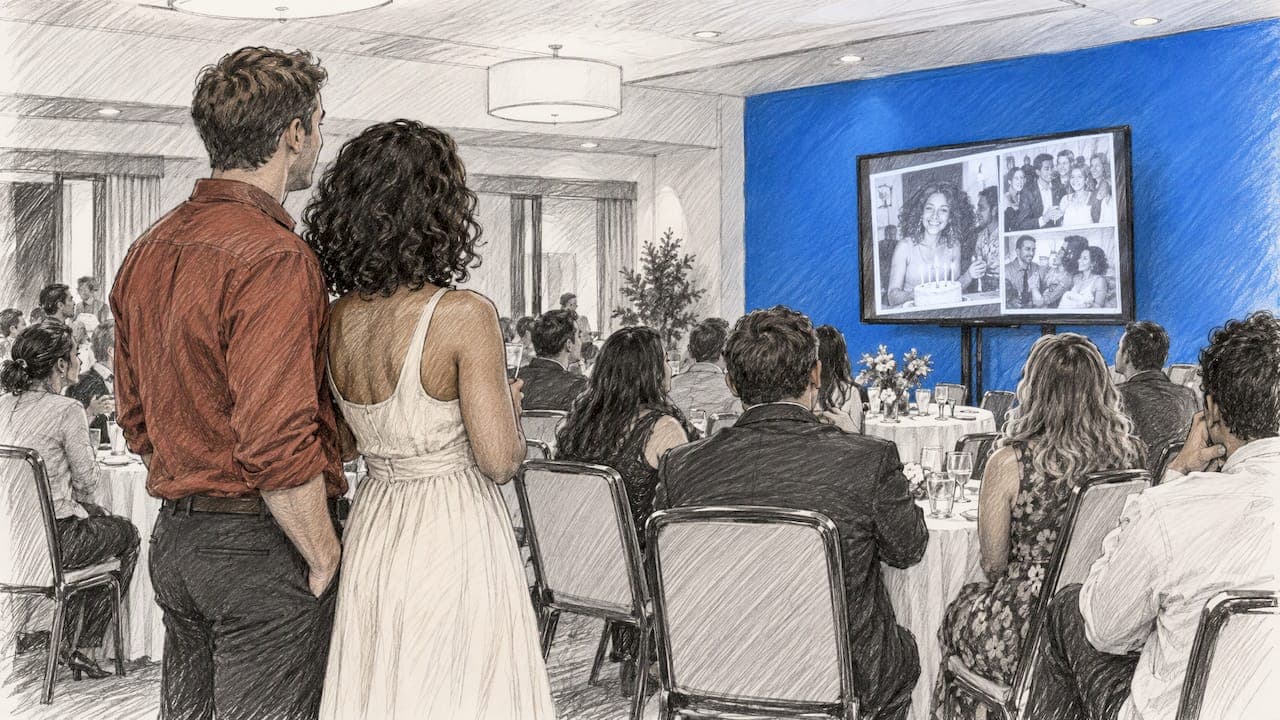
For a memorial, the priority is ease and respect. Distant relatives and friends can add condolences and stories from home, in their own time, without installing anything. Families often show the contributed photos on a slideshow at the service, then keep a book afterward. One practical suggestion from funeral-industry writers is a hybrid approach: a physical guest book at the service plus a QR code memorial page, since older guests often prefer paper while younger ones may write longer messages online. See our memorial page and our guide to a celebration of life guest book.
Retirements, farewells and graduations
Colleagues, classes and teams can build a book for a retiring coworker, a teacher or a graduate. For more, read our guides on the retirement memory book and the graduation photo book. You can browse more occasions too.
Keeping a digital memory book safe for years
A digital book is only a keepsake if it still opens in twenty years. The good news is that U.S. archival institutions give clear, practical advice for personal files.
The National Archives’ guidance on preserving personal digital photographs says to identify the photos that matter most, choose the highest-quality version where several exist, use descriptive file names, keep an orderly folder structure, make at least two copies in different locations, and create new media copies about every five years. The Library of Congress gives similar advice in its guidance on saving digital files: select what to save, organize it, keep copies on at least two storage media in separate physical places, and migrate them to a current medium roughly every five years.
For video, the National Archives goes further. Its video guidance recommends sustainable formats, tagging and metadata, regular refreshing of data, three copies on different media and, ideally, different locations, and it advises not relying on cloud storage alone. The American Library Association’s guide to personal digital archiving likewise recommends common, widely supported file formats.
In practice, that gives you a simple routine:
- Download the originals of every photo, video and voice message when the book is done.
- Store one copy on a drive at home and another somewhere else, such as a second drive at a relative’s house or a cloud account.
- Order a printed hardcover, so a physical copy exists independent of any device.
- Put a reminder in your calendar to check the copies every few years.
Make a digital memory book with Pomento
Pomento is an all-in-one collaborative memory platform and digital guestbook for weddings, birthdays, baptisms, memorials, farewells and company events. The idea is simple: collect everyone’s memories in one place instead of leaving them scattered across phones and group chats, and turn them into a gift you can see, hear and hold.
It works as a shared surprise gift before the event and as a live guestbook during the celebration.

Here is how it works:
- Collect memories. You share one QR code or link. Guests need no app installation and no sign-up. They upload photos, videos, written messages and voice messages from any phone or computer.
- Design the pages. Each guest creates their own photo book page with their photos, words and voice message, using ready-made templates.
- Receive the gift. Pomento brings the pages together into a Printed & Digital Photo Book (an interactive digital book to share online and a hardcover shipped to your door), a Personalized Song made from your guests’ words with its own Music Video, and a live Event Slideshow for screens and projectors. You also get downloads of all original photos, videos and voice messages.
So it is more than a file download. Pricing is a one-time payment with no subscription: the Digital Experience is $48, and the Digital + Printed Book is $87. There is no free trial, but every purchase comes with a 14-day money-back guarantee.
You can preview a real Example Photo Book to see how the pages look, or start your own project on Pomento.
FAQ
Is a digital memory book the same as a digital guestbook?
Not quite. A digital guestbook collects notes and uploads from guests. A digital memory book turns those contributions into a designed, finished book. Pomento does both: it works as a live guestbook during the event and produces the book afterward.
Do guests need an app or an account to contribute?
Not with Pomento. Guests open a single link or scan one QR code, and they can contribute right away from any phone or computer. No app installation and no sign-up are needed.
Can I get a printed copy of a digital memory book?
Yes. With Pomento’s Digital + Printed Book at $87, the same pages become a high-quality printed hardcover shipped to your door, alongside the interactive digital book. The Digital Experience at $48 covers the digital formats.
How do I keep a digital memory book from getting lost?
Download the original files and keep at least two copies in different places, as the National Archives advises. Refresh those copies about every five years, and keep a printed copy as well.
When should I start collecting memories?
As early as you can. For a surprise gift, send the invitation three to four weeks before the event so people have time to find photos and record messages. For a live guestbook, share the QR code at the start of the celebration.
Sources
- Preserving Your Digital Memories, National Archives
- Video Guidance: Ensuring Future Usability, National Archives
- Reformatting FAQ, Library of Congress
- The Complete Guide to Personal Digital Archiving, American Library Association
- Funeral Guest Books: What to Choose, What to Write, and Digital Alternatives