A good celebration of life slideshow runs about five to eight minutes, uses 40 to 100 well-chosen photos in loose chapters, and is built from memories the whole family contributed, not one person’s camera roll. The hard part is rarely the editing. It is collecting the right photos, stories and voices before the service. We built Pomento, an all-in-one collaborative memory platform and digital guestbook for weddings, birthdays, baptisms, memorials, farewells and company events, around that problem. Everyone’s memories are collected in one place instead of scattered across phones and group chats, and then turned into a gift you can see, hear and hold.
Key Takeaways
- Aim for five to eight minutes, with roughly 40 to 100 photos depending on how long each one stays on screen.
- Think in life chapters, not a strict timeline, and mix milestones with everyday moments that show character.
- Ask the whole family and circle of friends to contribute. You get more material and nobody is left out.
- Keep captions short, transitions gentle and music true to the person. Test everything on the venue’s equipment before guests arrive.
- A slideshow can be the start of something lasting: a printed and digital photo book, voice messages and a keepsake song.
Table of Contents
- What a celebration of life slideshow is for
- How to make a celebration of life slideshow, step by step
- Photos and story ideas that make it personal
- How long should a celebration of life slideshow be?
- Order, captions, music and transitions
- Go beyond photos: voices, messages and stories
- Showing it on the day
- From slideshow to keepsake
- Make it with the whole family
- FAQ
- Sources
What a celebration of life slideshow is for
A slideshow is not filler between speeches or songs. It is the one part of the service where people see the person laughing, at work, at the table, with the people who loved them. A life-cycle celebrant quoted by AARP puts the standard simply: “My only rule is to make it a reflection of the person you are honoring.” By the end of the service, the guests should have a real sense of how that person lived and what they meant to others.
That standard shapes every choice below: which photos make the cut, how long it runs, what plays underneath. When you are unsure, ask whether a choice makes the person more present or just more polished.
How to make a celebration of life slideshow, step by step

1. Decide where and how it will play
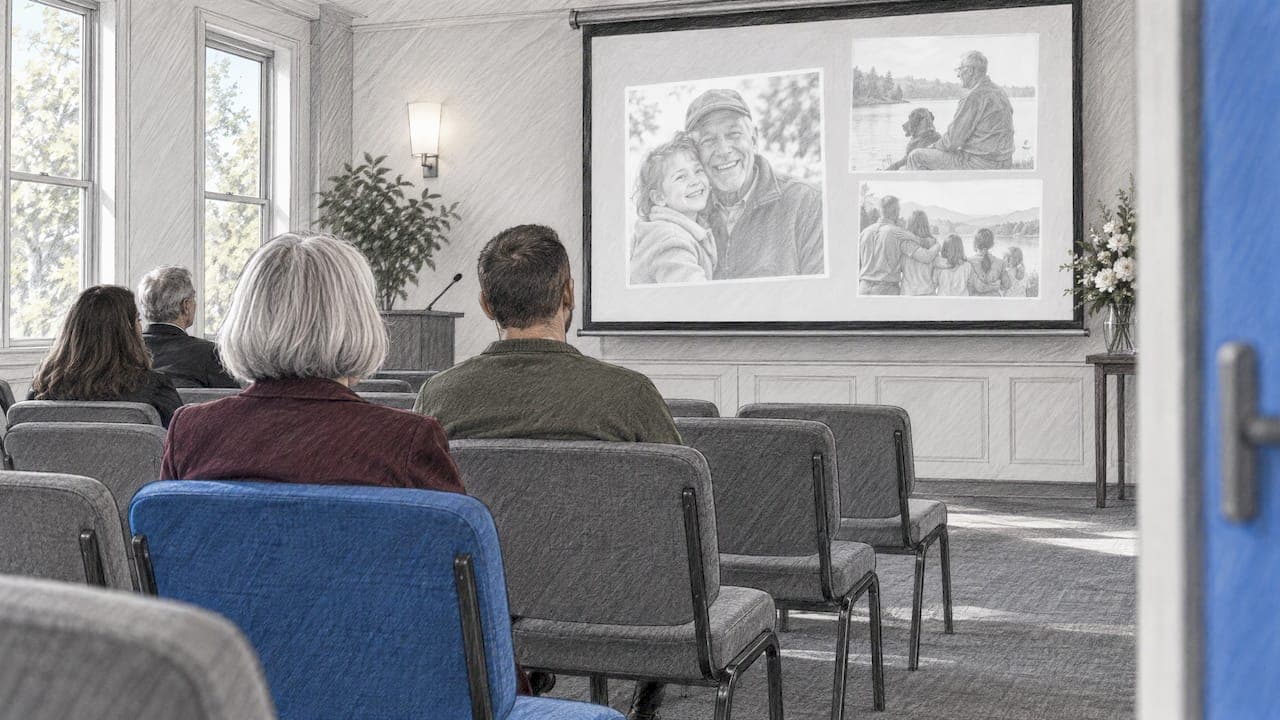
Before you pick a single photo, settle three practical questions. Will it play once, after the remarks, or loop quietly on a screen while people arrive and mingle? Is there a projector or a TV, and who controls it? How much program time is there? A one-time showing deserves a tighter, story-driven cut. A looping version can be longer and looser, because people will drift in and out of it.
2. Gather photos from more than one person
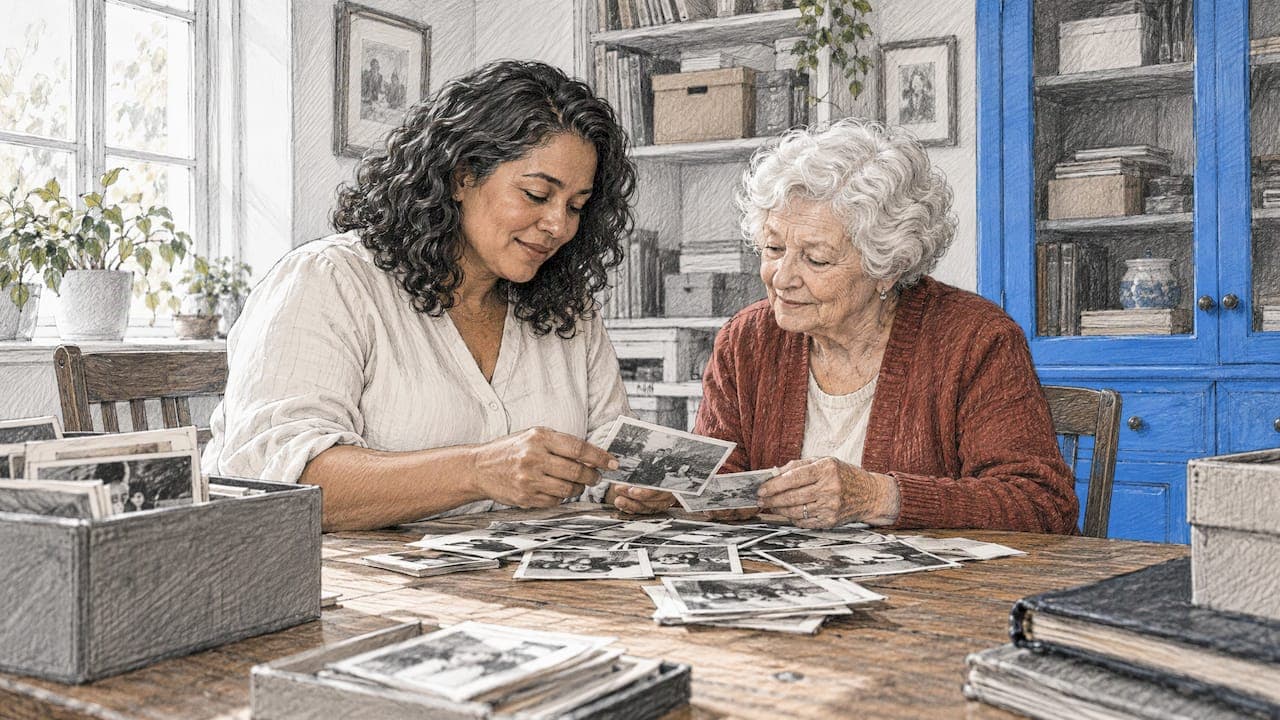
The usual advice is to ask two or three close relatives to send their 10 to 15 favorites each, then pool them in a shared album so nobody has to coordinate back and forth, as one memorial video guide suggests. It works, but it leaves out the cousin who has the best photos from the summers at the lake, and the old coworker who has the only picture of the retirement party.
Inviting family and close friends to contribute is, according to Funeral.com, one of the most healing parts of planning a slideshow. It brings in more material, prevents unintentional omissions and lets everyone feel involved in preserving the memories.
This is the step we designed Pomento for. You share a single link or QR code, and guests contribute photos, videos, written messages and voice messages from any phone or computer. Guests need no app installation and no sign-up, which matters when the contributors include a 78-year-old aunt in another state. You can send the link in the family group chat, print the QR code on the memorial program, or both.
3. Sort into chapters
Don’t force a strict chronology. Legacy Options Funeral and Cremation Services suggests thinking in chapters: childhood, young adulthood, marriage, raising a family, a long career, a beloved hobby, the quiet later years. Chapters give you structure without turning the slideshow into a yearbook, and they give you natural places to change the music.
Funeral.com describes the ideal as a visual biography rather than a chronological album, with the aim of evoking emotion, memories and connection. If you are also helping to settle the estate, guidance for executors and families can take some of the paperwork pressure off, which leaves more time for the story you are telling.
4. Cut to the best, then add the surprising
Once everything is in one place, you will have too much. Cut duplicates, blurry shots and photos where the person is barely visible. Keep the ones that show character: the grandfather laughing with grease on his hands in the garage matters more than a stiff studio portrait from the same decade. Then add the personal touches that make people smile through tears, covered in the next section.
5. Add captions, music and transitions
Keep captions short, keep transitions quiet and pick music the person actually liked. Details are in the section on order, captions and music below.
6. Test it where it will play
Check sound, captions and looping on the actual equipment, and bring a backup copy. The last section before the FAQ covers the checklist.
Photos and story ideas that make it personal
A slideshow of 60 smiling portraits is pleasant. A slideshow with the red mug, the crossword and the recipe card is remembered. These ideas help you move from generic to specific.
- Balance milestones and everyday moments. One photo-curation guide recommends picking three to five core traits, such as humor, kindness or adventurousness, then choosing two or three photos per trait, with roughly half milestones and half ordinary days. Weddings and graduations are natural anchors. Everyday moments add depth.
- Include short video clips. A few seconds of someone laughing, talking or teasing a grandchild can capture their essence in a way that still photos cannot.
- Photograph objects and paper. Awards, newspaper clippings, handwritten recipes and favorite chairs add personality beyond standard photographs. A family recipe scanned next to a photo of the person cooking it can be one of the most loved moments in the whole piece.
- Use their own phrases. The thing they always said, a line from each person who loved them, or a letter from the grandchildren can sit over a photo as a caption or a closing slide.
- Follow the seasons or the places. Their garden through the year, the lake, the kitchen, the road they drove to work. Places can tell a story when a date cannot.
- Use the song they hummed. Music tied to a real habit lands harder than a generic memorial playlist.
If the person’s life had distinct themes, you can build the whole slideshow around them: a short tribute built on passions and hobbies, a family-centered version, or a gentle life story. Pick one lens and let it guide the cuts.
How long should a celebration of life slideshow be?
Most guidance lands between three and eight minutes for a single showing. Parting Stone says most funeral slideshows run three to eight minutes with 60 to 100 photos, one to three songs and about three to four seconds per image. A personal blog on celebrations of life recommends five to seven minutes, set to music the person liked, and keeping a version looping quietly in a corner rather than making it the center of the program.
The math is simple: the seconds per photo times the number of photos equals your running time. Funeral.com advises four to six seconds per photo, stretching to seven or eight for group shots, and keeping video clips to 10 to 30 seconds.
| Plan | Photos | Per photo | Approx. runtime |
|---|---|---|---|
| Short tribute after remarks | 40 to 60 | 5 to 6 seconds | 4 to 6 minutes |
| Standard service slideshow | 60 to 80 | 4 to 5 seconds | 5 to 7 minutes |
| Fuller life story | 80 to 100 | 4 to 5 seconds | 6 to 8 minutes |
| Looping reception display | 100 or more | 5 to 6 seconds | Plays on repeat |
These ranges are planning estimates built from the per-photo timings above, not fixed rules. Let the music guide you: if you use two songs, the slideshow is about two songs long.
If the service is long and emotional already, shorter is kinder. If people will be mingling for an hour, let a looping version carry the longer story, and play a tight five-minute cut at the moment everyone is seated.
Order, captions, music and transitions
Order
A loose chronological flow is the easiest for an audience to follow, with chapters as signposts. Open with a strong, clear portrait. Funeral.com’s visual-biography idea gives you permission to break the timeline when a theme works better, such as grouping all the fishing photos together. Many people end on a single, simple portrait that stays on screen for the last song.
Captions
Use them sparingly. Parting Stone suggests short captions with a name, a year or a place, in a large, plain, high-contrast font. Remember the back row of the room will be reading too. White text on a dark photo and dark text on a light photo are easiest to read. A full sentence on every slide competes with the photo, so save longer words for a few key moments, such as a favorite quote.
Music
Choose one to three songs. A single track gives a calm, unified feel, while different tracks can mark different chapters. Pick songs the person loved, or songs that echo how they lived, rather than whatever sounds generically solemn. If a family member is a musician, some families have played live music during the slideshow.
Transitions
Simple fades and dissolves are the safest choice. Flashy spins and animations pull attention away from the faces on screen. Consistency matters more than variety: pick one gentle transition and use it throughout.
Go beyond photos: voices, messages and stories
A photo shows what someone looked like. A voice message tells you how they sounded to the person who loved them. Written messages from guests add what no archive of photos contains: the small stories, like how they taught someone to drive or always remembered a birthday.

Many families find that the memories shared after a person has died are the ones they most wish they had written down sooner. A collaborative approach captures them while people are still gathering and still remembering. It also lets friends who cannot travel to the service take part from a distance. Our celebration of life guest book guide covers formats and wording, and our piece on funeral guest book alternatives shows other ways to capture more than a signature.
Showing it on the day
Technical trouble is the last thing a grieving family needs. A short checklist helps:
- Test on the actual equipment. Funeral.com advises checking the slideshow on the real equipment before guests arrive, including sound levels, how captions look from every seating area and whether the file loops correctly for a continuous visitation.
- Keep two copies. Parting Stone recommends one on a USB drive and one in cloud storage, and sending the file to the funeral home or venue at least a day ahead.
- Name a person to press play. Someone calm who is not giving a eulogy should own the screen.
- Plan the moment. Playing it after the remarks lets everyone watch together. Looping it in the background lets people linger and point out photos to each other. Our guide to setting up and running a live event photo slideshow walks through screens, projectors and timing.
- Share it afterward. Family who could not attend will want it, and a private link works well for that.
From slideshow to keepsake
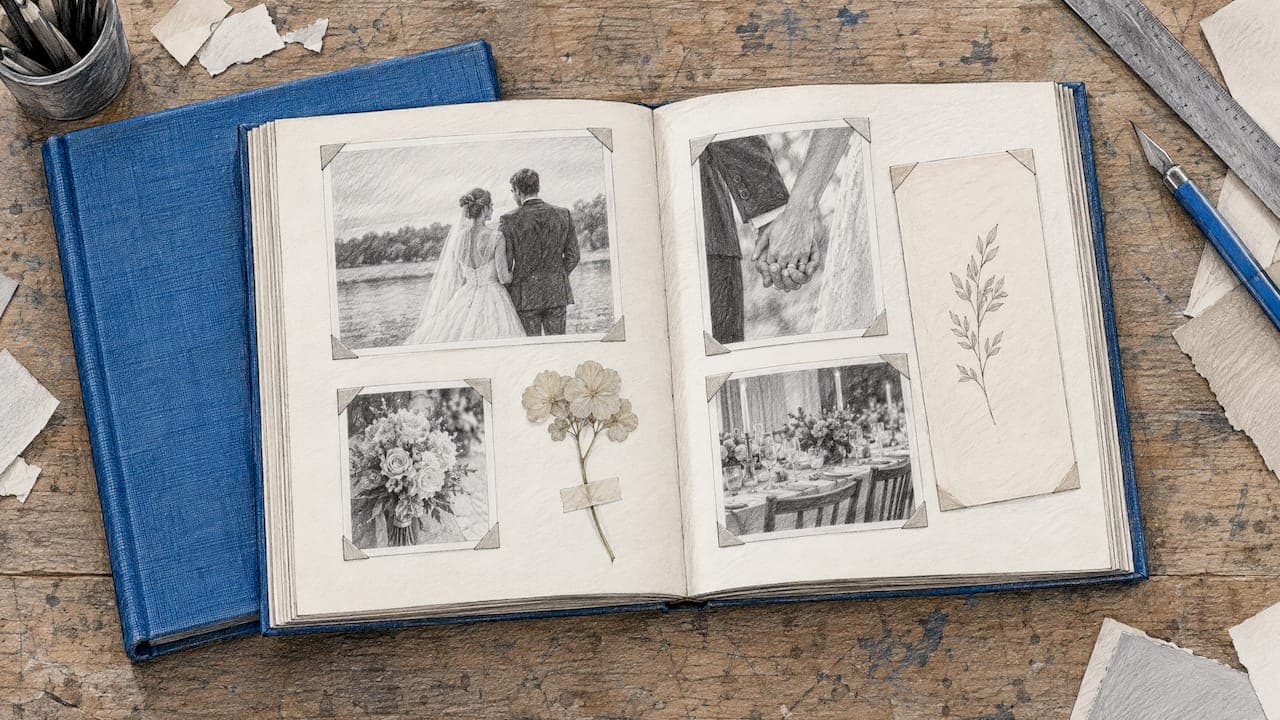
A slideshow ends when the screen goes dark. The memories people shared deserve something to hold afterward. This is where we built Pomento to go further than a file download. It creates a printed and digital photo book, a personalized song written from the guests’ words, a music video, and an event slideshow for screens and projectors at the service.
Here is how it works for a memorial:
- Collect. You share one QR code or link. Guests upload photos, videos, written messages and voice messages from any phone or computer, with no app to install and no sign-up.
- Design. Each guest creates their own photo book page with their photos, words and voice message, using ready-made templates in a few taps. You do not lay out a single page.
- Receive. Pomento brings the pages together into an interactive digital book, a hardcover printed book shipped to you, a personal song with its own music video, a live event slideshow, and downloads of all original photos, videos and voice messages.
Pomento can work before the service, as a shared surprise for the family, and during the service as a live guestbook with the slideshow on screen. Our memorial page shows how it looks for funerals and celebrations of life.
Make it with the whole family
If you are the person everyone is looking to for this, you do not have to do it alone, and you do not have to be a designer. The Digital Experience is $48 one-off, and Digital + Printed Book is $87 one-off. Both are a single payment, with no subscription, and every purchase comes with a 14-day money-back guarantee. You can see what we offer for memorials, preview a real example photo book on Pomento, or start your own project when you are ready.

The full set of formats is on our occasions page, and the same approach works for other milestones, such as a wedding, a birthday or a baptism. You can also browse more ideas on the Pomento blog.
FAQ
How do I do a slideshow for a celebration of life?
Gather photos from several family members and friends, sort them into life chapters, and cut to the ones that show character. Add short captions and one to three songs the person loved, then test it on the venue’s equipment. A shared link or QR code makes it easy for everyone to contribute without installing anything.
How long should a slideshow be at a celebration of life?
Five to eight minutes works for most services, and some guidance says three to eight. At four to six seconds per photo, that is roughly 40 to 100 photos. A longer looping version can play quietly while guests arrive or mingle.
What makes a good slideshow for a funeral?
It feels like the person. Choose photos that show their humor, habits and relationships, not only milestones. Keep transitions gentle, text readable and music meaningful, and let the family’s own stories and voices carry it.
How many photos should I use?
That depends on the time per photo and the length. A five-minute slideshow at five seconds each needs about 60 photos. If you have far more, pick your best for the service and keep the rest for a looping display or a photo book.
Sources
- How to Plan a Memorial Service or Celebration of Life, AARP
- Planning a Memorial Slideshow: Photo Selection, Music, and Technical Tips, Funeral.com
- How to Make a Slideshow for a Funeral: A Step-by-Step Guide, Parting Stone
- Celebration of Life Photo Ideas, Legacy Options Funeral and Cremation Services
- Choosing Meaningful Photos, A Life Portrait
- Celebration of Life After Suicide Loss, Sunflowers After Suicide
- Help for executors and family after a death, WillFull