An audio guest book is a guest book you listen to instead of read. Guests leave a spoken message for the couple, and afterward you get the recordings to replay for years. There are two main ways to do it at a wedding: a vintage-style phone that records messages at the reception, or a link and QR code that lets guests record from their own phone. This guide covers how each works, how to set one up, what guests can say, and how to keep the recordings safe.

At a glance
- An audio guest book records voice messages from your guests.
- A hardware phone is charming but sits in one spot, can be rented or bought, and prices vary by provider.
- Guests record better messages when you give them a prompt, a quiet corner and a simple sign.
Table of Contents
- What an audio guest book is
- The two main kinds of audio guest book
- How to set up an audio guest book at your wedding
- Wedding audio guest book ideas and prompts
- Helping guests record clear, meaningful messages
- Retrieving, saving and sharing your wedding voice messages
- Consent and privacy when you record guests
- What does an audio guest book cost?
- Our perspective: voices are better with pictures and a plan
- Pomento: voice messages, photos and a finished keepsake
- A simple plan to follow
- FAQ
- Sources
What an audio guest book is
A traditional guest book asks people to sign a page and write a line or two. An audio guest book swaps the pen for a voice. Guests hear a greeting, speak for a minute or so, and the message is saved as an audio file.
The appeal is simple. A handwritten “Congratulations, so happy for you!” tells you who came. A recording tells you how they sounded: the laugh, the pause, the advice your uncle would never say out loud at the toast. Years later, a voice from someone who is no longer with you can matter more than any photo.

The two main kinds of audio guest book
Most couples end up choosing between a physical device and a digital link. Both are valid, and some couples use both.
The vintage phone
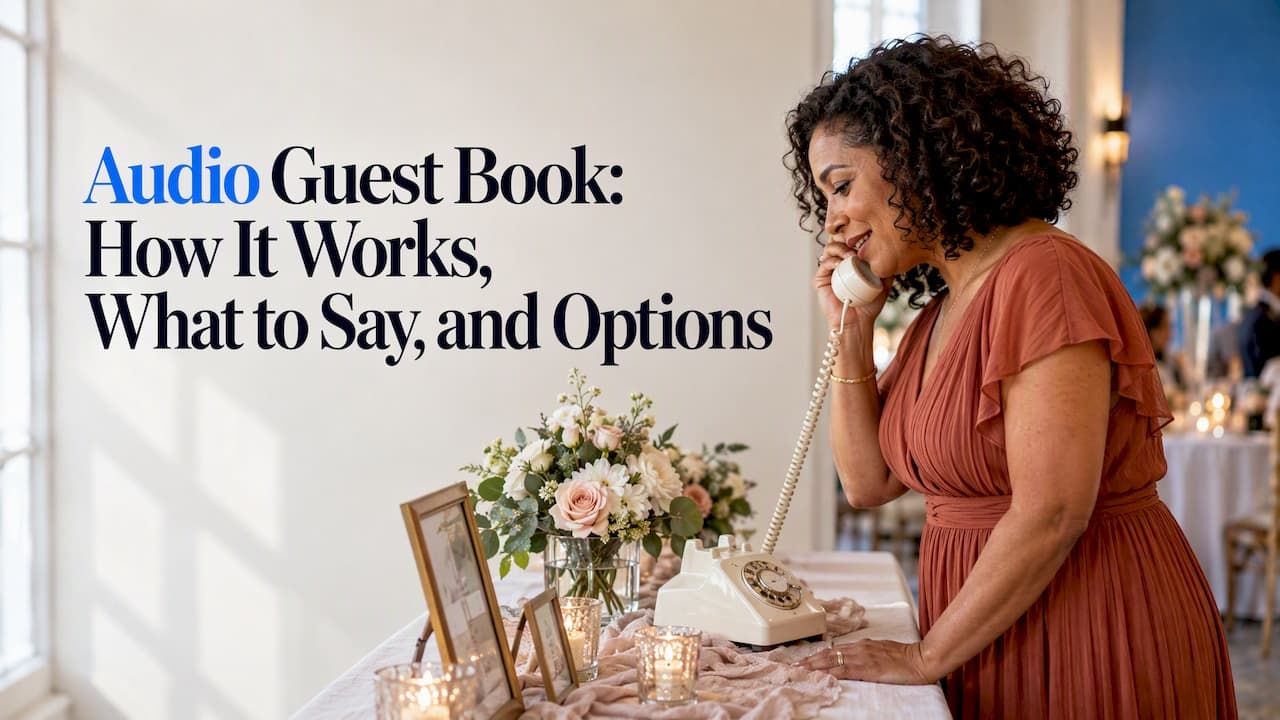
This is the version that dominates search results: a retro rotary or push-button telephone, usually on a table with a sign. A guest lifts the receiver, hears a recorded greeting from you, speaks after the tone and hangs up. The device stores the recording internally or sends it to a connected phone.
The strengths are atmosphere and novelty. It becomes a small attraction in the room, and guests enjoy the ritual of picking up a handset. The limits are practical:
- It lives in one place, so guests who skip that corner never record.
- Only one person can use it at a time, which creates a line at a busy reception.
- Background noise from music and conversation ends up on the recording.
- It is often a rental, so you work to the provider’s schedule for pickup and for receiving files.
The QR-code or link version
Here, guests scan a QR code printed on a table card or sign, or tap a link you send in advance. Their own phone records the message. Because everyone uses their own device, there is no line, and guests can record from a quiet spot, from the hotel the night before, or from another country if they could not travel.
The limits are different: it feels less theatrical than a phone on a table, and it relies on guests being comfortable scanning a code. A clear sign and a short instruction fix most of that.
Quick comparison
| Vintage phone device | QR code or link | |
|---|---|---|
| Guests record on | A device at the venue | Their own phone |
| Simultaneous users | One at a time | Unlimited |
| Remote guests | No | Yes |
| Background noise | Usually a factor | Guest chooses a quiet spot |
| Atmosphere | High, a visible decor piece | Low-key, depends on your signage |
| Extras | Audio only | Can also collect photos, video and text |
| Cost | Varies by provider, rental or purchase | Varies by provider |
How to set up an audio guest book at your wedding
Whichever format you pick, the same few decisions determine whether you get a great collection or a handful of awkward clips.
- Choose the format early. Decide on a device, a link, or both at least a couple of months out. If you rent a phone, rental dates and delivery logistics book up in peak wedding season.
- Pick the spot. For a phone, choose a place away from the speakers and the bar, such as the end of a hallway or a quiet corner of the cocktail area. Guests should be able to hear themselves think.
- Write your greeting. Keep it under 20 seconds: thank guests, say what you would love to hear, and tell them how to finish. A warm, slightly funny greeting sets the tone for what they record.
- Make a sign. Three lines is enough: what this is, what to do, and what you hope they will say. For a QR version, print the code large, on matte paper to avoid glare, and place it on every table.
- Announce it. Ask the DJ, the emcee or a friend to mention it once during cocktail hour and once later. Most people skip things they were never told about.
- Test it. Record a message yourself at the venue, play it back, and check the volume and the battery. For a QR code, scan it on a phone without venue Wi-Fi to see that it works on mobile data.
- Plan the afterward. Know who receives the files, in what format, and by when, before the wedding day.
Wedding audio guest book ideas and prompts
The most common problem is the blank mind. A guest picks up the phone, hears the tone, and says “Um, congratulations, we love you, bye.” A prompt on the sign gives them somewhere to start.
Prompts that get real answers
- Tell us your favorite memory with one or both of us.
- Give us one piece of marriage advice, good or terrible.
- What did you think the first time you met us as a couple?
- Tell us where you hope we will be in ten years.
- Share a short story from the day we should remember.
- Sing, hum or toast us in whatever way you like.
Ways to make it feel different
- A message for the future. Ask guests to speak to your first anniversary, or to a future child. It works especially well for the couple who want something to open together.
- A themed greeting. Record your greeting in a movie-trailer voice or in the voices of your pets. Guests mirror the energy.
- Table cards with a prompt each. Give each table a different question so the answers vary.
- Kids’ corner. Children love speaking into a phone, and these are often the clips you replay the most. If a service is directed at children, privacy rules differ, see below.
- Pre-wedding messages. With a link-based version, invite faraway relatives to record weeks in advance, so their voices are part of the collection even if they are not in the room.
Helping guests record clear, meaningful messages
A good message is short, specific and audible. You can nudge all three without making it feel like a test.
- Ask for one minute. Say so in the greeting or on the sign. People ramble less with a time limit and more people line up.
- Say the name first. Ask guests to begin with “Hi, it’s …” so you can place every voice, especially from cousins and colleagues you have only met once.
- Quiet beats perfect. A calm corner matters more than any microphone. With phone-based recording, guests can hold the phone close and step away from the dance floor.
- Welcome second takes. A line such as “Not happy with it? Do it again” reduces fear and raises quality.
- Seed the first few. Ask a few outgoing friends to leave the first messages early. Shy guests are more likely to join once they see others do it.
Retrieving, saving and sharing your wedding voice messages
The recordings are the whole point, so treat them like wedding photos.
- Know the file format. Ask any provider whether you receive standard audio files you can open anywhere, and for how long they stay available for download.
- Back up in three places. A cloud folder, an external drive and a second cloud account is a sensible minimum.
- Label as you go. Rename files with the guest’s name while you remember who is who. This is a thirty-minute job in the week after the wedding and impossible five years later.
- Curate a highlight reel. Pick ten or so favorites and combine them into a single track you can play on your anniversary.
- Share thoughtfully. Some guests will have said things meant for you only. Decide in advance what you share with parents or the wider group.
- Consider printing the memory. A voice file lives on a device, and devices change. Many couples pair audio with a printed book of photos so there is something on the shelf.
Consent and privacy when you record guests
Tell people they are being recorded. Put a line on the sign, such as “Your message will be saved and shared with the couple,” so nobody is surprised. It is courteous, and it also matters legally in some places: recording laws vary by state in the US, and if you are hosting guests from several states or countries, a clear notice is the simplest protection. If you have a specific concern, such as a venue in a state with strict recording rules, ask a local attorney.
Children deserve extra thought. Under the US Children’s Online Privacy Protection Rule, operators of services directed at children must obtain verifiable parental consent before collecting voice recordings, with limited exceptions. That rule applies to online services and their operators, not to a family wedding, but it is a good reminder: if children will record, a quick word with their parents is the kind thing to do.
What does an audio guest book cost?
Prices vary widely, and the number depends on what you are buying:
- Rental of a phone device. Usually priced per event, and may include delivery, setup, a custom greeting and the delivery of files.
- Purchase of a device. A one-time cost, but you handle the setup, the audio quality and getting the files out of it.
- A digital link-based service. Typically a flat fee for the event, with no hardware to return.
What moves the price: rental length, whether delivery and pickup are included, custom signage, the quality of the microphone, and whether files arrive edited or raw. Ask for the total with everything included, and ask what happens to your recordings if you do not download them promptly.
Our perspective: voices are better with pictures and a plan
We built Pomento around a simple observation: guests do not want to install anything, and hosts do not want to spend the week after the party sorting files. That shapes how we think about audio guest books.
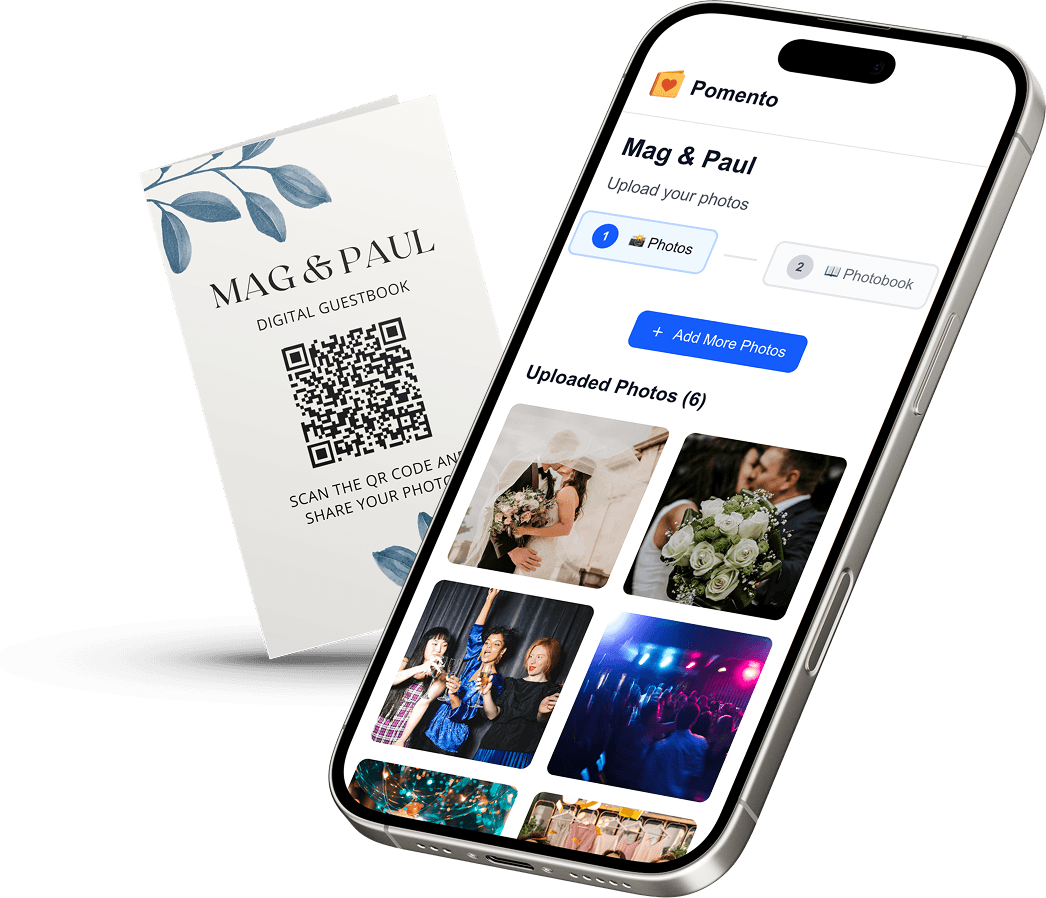
A voice message is powerful, but alone it can be hard to revisit. A recording of your grandmother makes you cry, and then it sits in a folder. When voice messages sit next to the photos and videos from the same day, and the texts people wrote, they become a story you can flip through. That is why with Pomento, guests use a link or QR code to add photos, videos, text and voice messages in one place, with no app and no sign-up. Everything is then arranged into a finished guestbook, which you can keep as an interactive digital version or have printed as a real photo book.
We also think a guest book should not end when the party does. Hosts can run a live slideshow of the collected photos, videos and finished pages during or after the event. Each bundle also includes a personalized song and music video made from loved ones’ messages, and a sorted archive of all the original files, so nothing is trapped in a format you cannot open.
If you love the phone on the table, keep it: it is a lovely piece of decor. But we would suggest a link or QR code alongside it, for the guests who never make it to the corner, and for the relatives who could not come.
Pomento: voice messages, photos and a finished keepsake
If you want audio messages as part of something you can hold or share, Pomento offers two options, both with a one-time payment and no subscription:
- Digital Experience, 48 USD: the interactive digital guestbook, with the personalized song and music video, the live slideshow option and the sorted media archive.
- Digital + Printed Book, 87 USD: everything above, plus a real, high-quality printed photo book delivered to your door.
Guests scan your QR code or open your link and add what they like: voice messages, photos, videos or a written note. You can see both options and start on Pomento.
A simple plan to follow
If you are still deciding, this is a reasonable path:
- Decide whether you want a table-top attraction, a link-based collection, or both.
- Write your prompt and your greeting, and keep them short.
- Put a sign, with a recording notice, wherever guests will see it.
- Ask your emcee to mention it at the right moment.
- Download and back up the files within a week of the wedding.
The formats differ, but the aim is identical: when you play a message in a decade, you want to hear the person, and know whose voice it is.
FAQ
How does an audio guest book work?
Guests record a spoken message for the couple, and the recording is saved as an audio file. With a vintage phone, they lift the receiver, hear your greeting and speak after the tone. With a link or QR code, they record on their own phone, and the message goes into your collection.
Do I need a vintage phone for an audio guest book?
No. The phone is a popular look, but it is just one way to collect voices. A QR code on your tables lets guests record from their own phones, which avoids lines and also works for people who could not attend.
What should guests say in a wedding voice message?
Give them a prompt on the sign: a favorite memory, a piece of advice, or a wish for the next ten years. Asking them to begin with their name and keep it to about a minute usually produces messages that are specific and easy to enjoy later.
How do I keep my wedding voice messages safe?
Download them soon after the wedding and store them in at least three places, such as two cloud accounts and an external drive. Label each file with the guest’s name while you still remember who is who. A printed book alongside the audio gives you a keepsake that does not depend on any device.